Hey folks! Ever find yourself frantically searching for your checkbook the day your electric bill is due? Or maybe you’ve stood in line at your local Rural Electric Cooperative Corporation (RECC) office just to hand over a payment? Well I’ve been there too and let me tell ya – there’s a better way! Today, I’m gonna walk you through everything you need to know about RECC online bill pay options that’ll save you time, hassle, and maybe even a late fee or two.
Why Online Bill Pay is a Game-Changer
Before I dive into the specifics, lemme just say that switching to online bill pay was one of the best decisions I made for managing my monthly expenses Here’s why
- No more stamps or envelopes needed
- Pay anytime, anywhere (even at 11:58 PM on the due date!)
- Get instant confirmation that your payment went through
- Track your usage and billing history with ease
- Set up automatic payments so you never forget a bill
As someone who used to regularly misplace bills until the disconnection notice showed up (oops!), these features have been a lifesaver.
Popular RECC Online Bill Pay Options
SmartHub: The All-in-One Solution
SmartHub is probably the most comprehensive option offered by most RECCs, including South Kentucky RECC and Rural Electric Convenience Cooperative Think of it as your electric account command center!
With SmartHub, you can:
- Make one-time payments
- Set up automatic monthly payments
- View your usage patterns
- Check your account balance
- Receive notifications about your bill
- Access from your computer or smartphone
To get started with SmartHub, you’ll need your account number to sign up initially. After that, you’ll create an email address and personal security code for future logins. The best part? SmartHub lets you securely store your payment information so you don’t have to re-enter it every month.
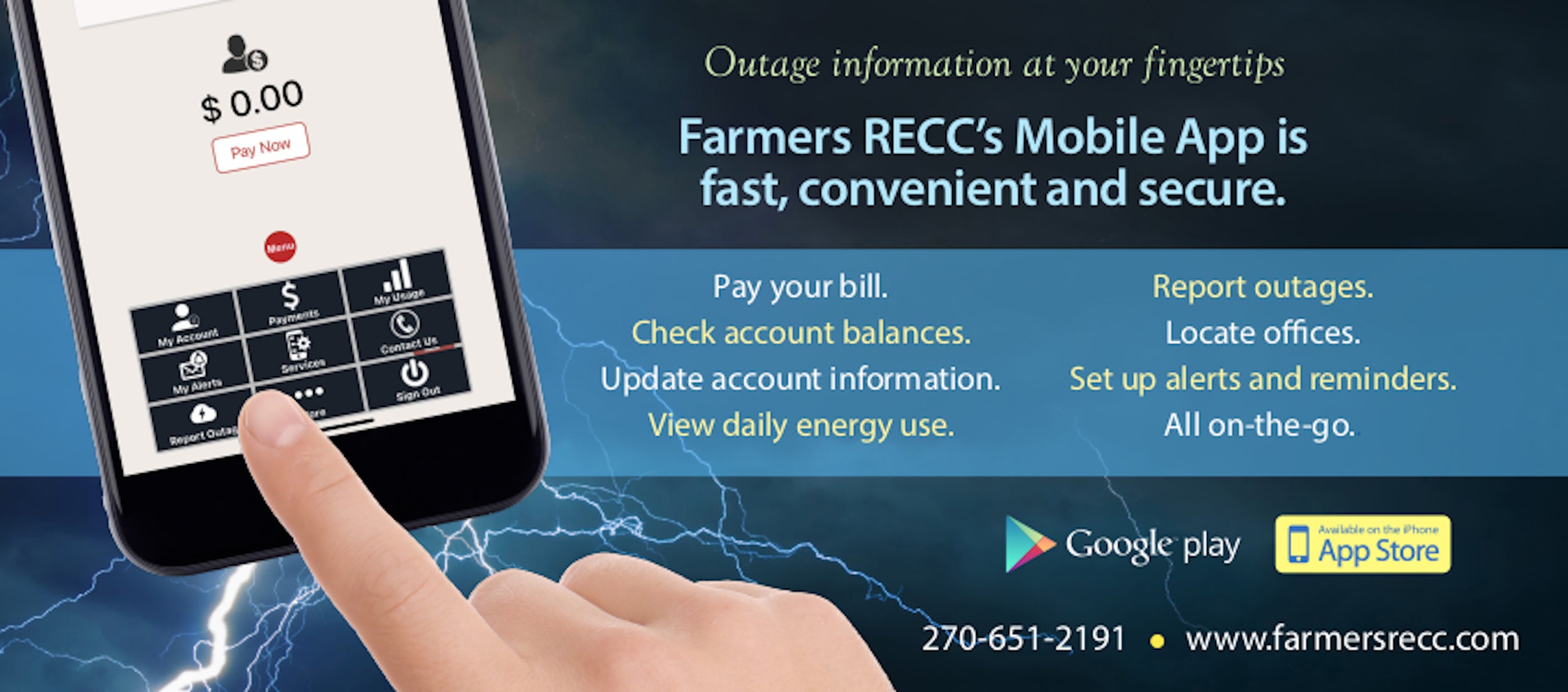
For South Kentucky RECC members, there’s even a mobile app available for iPhone and Android. Just search “SmartHub” in the App Store or Play Store, and you’ll have access to your account wherever you go.
Pay Now: The Quick Option
If you’re not looking to sign up for a full account and just want to make a one-time payment, many RECCs offer a “Pay Now” option. Rural Electric Convenience Cooperative, for example, has this simple payment gateway for folks who make infrequent online payments.
All you need is your RECC account number and a payment method – credit card, debit card, or electronic transfer from a bank account (sometimes called “check by phone payment”). It’s straightforward and gets the job done without any bells and whistles.
Interactive Voice Response (IVR)
Not everyone’s comfortable with websites or apps, and that’s totally fine! Many RECCs offer automated phone systems where you can check your balance or make a payment 24/7.
For example, Rural Electric Convenience Cooperative members can dial (217) 438-6197, choose Option 1, and enter their account number to get started. Similarly, South Kentucky RECC members can call their local office and press 5 to access the automated customer service system, then press 3 to pay by credit card or e-check.
Setting Up Automatic Payments
If you’re like me and have a terrible memory when it comes to due dates, automatic payments are gonna be your best friend. There are a couple ways to set this up:
Automated Clearing House (ACH)
This is fancy talk for “direct withdrawal from your checking account.” With ACH, your monthly bill amount is automatically deducted from your bank account on the due date. You’ll still receive a statement showing your usage and charges, but you won’t have to lift a finger to make the payment happen.
Auto Pay with Credit/Debit Cards
Most RECCs also allow you to set up automatic payments using your credit or debit card. This works similar to ACH but pulls from your card instead of your bank account directly. It’s a great option if you’re trying to rack up those credit card rewards points!
Other Payment Options You Might Not Know About
Budget Billing
While not technically an online payment method, Budget Billing deserves mention because it works so well with online payments. This service levels out your monthly payments based on your average usage, so you pay roughly the same amount each month instead of having high bills in extreme weather months.
Rural Electric Convenience Cooperative recommends signing up for Budget Billing in September, with balancing occurring every October. When combined with auto-pay, this creates the most predictable billing experience possible.
Prepaid Electric Service
Some RECCs, like Rural Electric Convenience Cooperative, offer prepaid service where you pay for electricity before you use it. Instead of getting one big bill at the end of the month, you add money to your account as needed – kind of like putting gas in your car. This can be a great budgeting tool for many households!
Kiosks and Alternative Payment Locations
South Kentucky RECC has installed payment kiosks at each of their locations that are available 24/7/365. These kiosks accept all forms of payment (except Discover Card and American Express) and provide real-time posting to your account with printed receipts.
They’ve also partnered with VanillaDirect Pay, allowing members to pay their bills at participating retailers using a barcode. Just be aware that a convenience fee may apply.
In a new development, South Kentucky RECC announced that effective May 20, 2025, all Citizens National Bank branches will begin accepting payments on their behalf. However, only cash or check payments will be accepted at these locations, not debit or credit cards.
Step-by-Step Guide to Getting Started
Ready to give online bill pay a try? Here’s how to get started:
- Gather your information: Find your most recent RECC bill to get your account number.
- Choose your preferred method: SmartHub for full account access, Pay Now for quick one-time payments, etc.
- Visit your RECC’s website: Each cooperative has their own portal.
- Rural Electric Convenience Cooperative: www.recc.coop
- South Kentucky RECC: www.skrecc.com
- Taylor County RECC: www.tcrecc.com
- Look for payment options: Usually found under “Members” or “Pay Your Bill” sections.
- Set up your account: Follow the prompts to create login credentials if needed.
- Enter payment information: Add your credit card, debit card, or checking account details.
- Save your preferences: Decide if you want to store payment info or set up auto-pay.
Common Questions About RECC Online Bill Pay
Is it secure to pay my electric bill online?
Absolutely! RECCs use encryption and secure payment processing systems to protect your financial information. In fact, SmartHub specifically mentions that payment information is “stored securely for your protection.” I’ve been paying online for years with no issues whatsoever.
Is there a fee for using online bill pay?
Most RECCs don’t charge any fees for their standard online payment options like SmartHub or Pay Now. However, some alternative payment methods like VanillaDirect Pay at retail locations might include a convenience fee. Always check the specific terms before proceeding with payment.
What if I need to split my payment across multiple methods?
This depends on your specific RECC, but many cooperatives can accommodate split payments. Your best bet is to call customer service directly to arrange this type of payment if the online system doesn’t support it natively.
Can I schedule payments in advance?
Yes! With platforms like SmartHub, you can schedule one-time payments for future dates. This is super helpful if you know you’ll be traveling when your bill is due or if you get paid on a specific schedule.
Why I Love RECC Online Bill Pay (And You Will Too!)
I’ve been using online bill pay for my electric cooperative for about three years now, and I can honestly say it’s transformed how I manage my utilities. Before, I was constantly worried about missing a payment or forgetting to mail a check. Now, I barely think about it – my payment happens automatically, and I just glance at my email to see the confirmation.
The reporting features have also helped me become more energy-conscious. Being able to track my usage patterns has shown me when I’m using more electricity than usual, which has helped me make small changes that add up to real savings.
For anyone still paying by check or making trips to the office, I really encourage you to give the online options a try. It might seem intimidating at first, but the systems are designed to be user-friendly, and the convenience is absolutely worth the small learning curve.
Need Help? Contact Your Local RECC
If you run into any issues setting up online bill pay or have questions specific to your account, don’t hesitate to reach out to your local RECC:
- Rural Electric Convenience Cooperative: (217) 438-6197
- South Kentucky RECC: (800) 264-5112
- Taylor County RECC: (844) 970-2739
Their customer service teams are typically very helpful and can walk you through any part of the process you find confusing. That’s one of the benefits of being part of a cooperative – they’re there to help their members!
So what are you waiting for? Grab your most recent electric bill, find your account number, and join the millions of members who’ve made the switch to online bill pay. Your future self will thank you when you’re relaxing instead of rushing to the post office before it closes!
How can SmartHub help you control your account?
Our SmartHub web portal or mobile app will keep you informed and will show you where to save time and money on your bills.
Billing & Payments: No more waiting for your bill to arrive in the mail, access your bill at anytime from anywhere. Save time with easy payment options to avoid late fees and service interruptions.
Alerts & Notifications: It can be frustrating waiting on hold to get your questions answered or pay your bill. Stay informed on important account events via email or text messages. Receive the information you need to make the right decisions about your account.
Paperless Billing: What if you could save some time and a tree at the same time? Activate SmartHub paperless billing, an eco-friendly way to instantly access your bill.
Usage Monitoring: Worrying about usage or surprising bill amounts can be stressful. When you know what devices are using the most energy, you can make money-saving decisions about your account. Imagine opening your bill and seeing an amount less than expected.
Outage Reporting: Need to report a power outage? Smarthub is the fastest and easiest way to let us know when your power goes out. When a severe storm knocks out power to a high number of our members, our phone lines can quickly become overloaded. With Smarthub, you can avoid the busy signals and report outages with a few simple taps on your mobile device.
SmartHub gives you complete control over your account by giving you the tools that deliver the right information at the right time so you can make the right decisions about your account.
FAQ: Registering for SmartHub
You can find your account number on a printed bill statement mailed to your residence or business. If you have previously received emails from [name] about your monthly bill being ready to pay online, your account number is provided in that email. You can also call [name] at [phone number] for assistance.
Your new account number will be listed on your latest bill. You can also look it up here. (Note: You will need your Customer Number, which you can find on your last bill.)
NOTE: If you use online banking to pay your bill, we encourage you to ensure your financial institution has the updated account number.
Downloads:
- Where to find your account number on your bill (pdf)
You may choose how you receive notifications from SmartHub (email or SMS) by updating your notifications preferences.
- Log in to your SmartHub account
- Click on “Notifications”
- Click Manage Contacts to add or change email address and phone numbers
- Enter verification code to activate
- Click on Manage Notifications to set up SMS and email alerts
You can save bank account and/or credit/debit card information for future one-time payments.
On the website:
- Click My Profile
- Click on Manage My Stored Payment Accounts and follow instruction
On the app:
- Select Settings
- Select Stored Payment Accounts and follow instructions
Auto Pay is a convenient option to pay your bill each month.
Auto Pay allows you to pay your monthly bill through an automated draft from your bank account or credit card at no extra charge. By enrolling in Auto Pay, you authorize [name] to withdraw funds from your selected account to pay your monthly bill on the due date.
No, you are not required to sign up for it. We offer it for your convenience only. If you prefer to mail your payment or schedule it through your bank, please do so.
IF YOU MAIL PAYMENTS: Please use the NEW payment coupon included on your January bill and mail to: [address]
IF YOU SCHEDULE PAYMENTS THROUGH YOUR BANK: Please use the new account number and [name] payment address listed on your [month] [year] bill. For other payment options, click here.
No. It is provided as an option for your convenience. If you do not sign up for paperless billing in SmartHub, you will continue to receive a monthly bill in your mail.
When we upgraded our systems, those who were previously enrolled in paperless billing were not able to be carried over, so while we understand it’s inconvenient, we do appreciate your understanding of having to enroll again.
You can choose to participate in paperless billing, which sends bill statements to the email address on your account. You will no longer receive a copy of your bill in the mail.
Heres how to change your preference to participate in paperless billing:
On the website:
- Click on My Profile
- Click on Update My Paperless Settings.
- Choose your paperless preference
On the app:
- Select Settings
- Select Paperless Billing
- Choose your paperless preference
You can view your energy use on the website and app.
On the website:
- Click My Usage
- Select My Usage
- then select Usage Explorer
On the app:
- Select the Energy Use icon to view your energy use.
