Are you tired of forgetting bills, paying late fees, or constantly wondering if you actually paid that electricity bill last month? Trust me, I’ve been there too! After missing a few payments and dealing with those annoying late fees, I finally decided to get organized with a bill pay organizer template This simple tool has honestly changed my financial life, and I’m excited to share everything I’ve learned with you!
Why You Need a Bill Pay Organizer Template
Let’s face it – adulting is hard, and keeping track of bills is one of the most tedious parts. But here’s why a bill pay organizer template is worth your time:
- Avoid late fees and penalties – No more “oops, I forgot” moments that cost you extra money
- Track your cash flow better – See exactly where your money is going each month
- Reduce financial stress – The peace of mind knowing all your bills are accounted for is priceless
- Challenge duplicate payments – Keep a record to ensure you’re not paying the same bill twice
- Stay on budget – Having all your expenses in one place helps with financial planning
As Cristina Morero from SaturdayGift says, “Organizing and tracking multiple bills can be overwhelming, especially when numerous payments are due each month. Using a bill organizer can save you time and stress by keeping all your bills in one place.”
Types of Bill Pay Organizer Templates
There are several different formats to choose from depending on your personal preferences and organization style
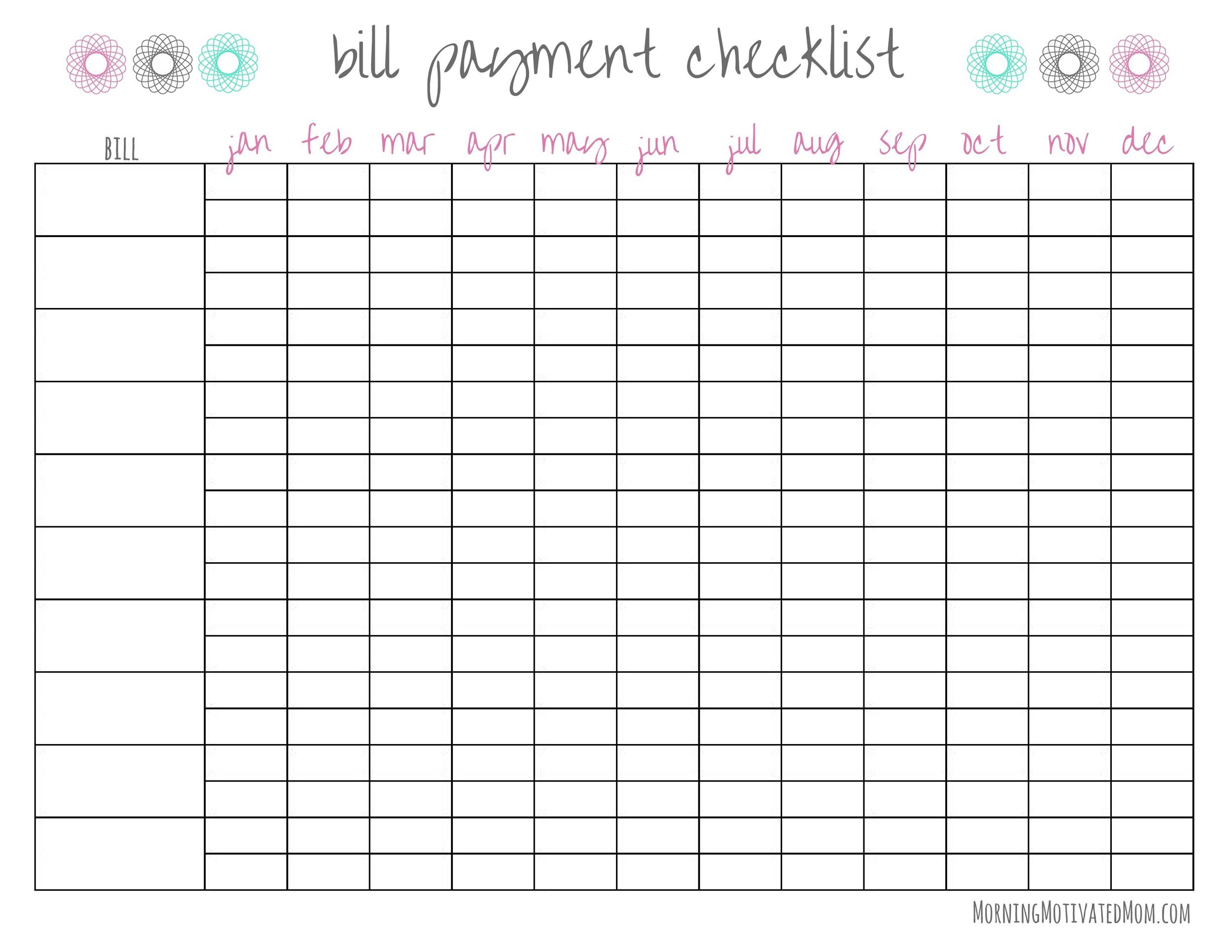
Monthly Bill Trackers
These are the most common type, letting you track bills on a month-by-month basis. They typically include:
- Bill name
- Due date
- Amount
- Payment status
- Payment method
Bill Calendar Organizers
These display your bills on a calendar format, which is great for visual people who like to see when bills are due throughout the month. They come in both landscape and portrait formats.
Annual Bill Trackers
Perfect for keeping track of bills across the entire year, these help you spot trends in your spending and plan for annual expenses that might only come up once or twice a year.
Bill Payment Logs
These focus more on recording the history of payments you’ve made serving as proof that you’ve paid your bills and helping you track your payment history.
Free Bill Organizer Templates You Can Use Today
The good news? You don’t have to create your own bill pay organizer from scratch! There are tons of free templates available online that you can download and start using right away.
SaturdayGift Templates
SaturdayGift offers 39 cute and free printable bill trackers in various designs and colors. Their most popular templates include:
- Monthly bill trackers in pastel colors or black & white
- Bill payment calendars (landscape and portrait)
- Annual bill tracker templates
- Monthly bill organizers in different colors (lavender, beige, pink, grey, green & yellow)
All their templates are designed for US letter size paper but many can be resized for A4 and other paper sizes.
Printabulls Templates
Printabulls offers 18 free monthly bill organizers that are super easy to use. As they say on their website, “All you have to do is click on your preferred bill organizer, download the file to your computer, and print from home! It’s totally free and will be a huge help in keeping all those bill due dates straight!”
Their users love these templates, with one commenting: “I could not believe they were actually free. Thank you it was exactly what I was needing simple and easy to use.”
Edit.org Templates
Edit.org offers customizable bill organizer templates that you can edit online. Their templates include:
- Payment date tracking
- Invoice number fields
- Payment trackers
- Expense overview sections
- Charts and statistics for expenses/income
The best part is you can customize these templates online without needing design skills or special software.
How to Use a Bill Pay Organizer Template
Getting started with your bill pay organizer is super simple:
- Choose your template – Select one that matches your organizational style
- Print it out or save digitally – Depending on whether you prefer paper or digital
- Fill in all your recurring bills – Include name, due date, and amount
- Keep it somewhere visible – On your desk, fridge, or digital dashboard
- Update it regularly – Make it a habit to record payments as you make them
Here’s a pro tip from me: I like to color-code my bills based on whether they’re utilities, subscriptions, loans, or other categories. This makes it super easy to see at a glance what type of expenses are coming up!
Tips for Staying on Top of Your Bills
Using a bill organizer is great, but here are some additional tips to make sure you never miss a payment:
- Set up a bill-paying routine – Pick a specific day each week to review your bills
- Use automatic payments when possible – This ensures bills are paid even if you forget
- Set digital reminders – Use your phone or email alerts as a backup
- Review your organizer monthly – Look for patterns and ways to optimize your bill payment schedule
- Communicate with bill providers – If you’re having trouble paying on time, many companies will work with you
As one user from Printabulls commented, “So wonderful to have a website where we can download what we need to help us make our life more easier. Without cost its a Blessing.”
Creating a Bill Schedule That Works for You
Everyone’s financial situation is different, so your bill pay organizer should reflect your unique needs. Here’s how to create an effective bill schedule:
- Gather all your bills – Make a complete list of everything you pay regularly
- Organize by due dates – Arrange them chronologically throughout the month
- Group bills by payment method – This makes it easier to pay similar bills at once
- Consider paycheck alignment – Try to schedule bills around when you get paid
- Review and adjust as needed – Your bills and income may change, so update accordingly
I personally organize my bills by paycheck periods – the first half of the month and the second half – since that’s how I budget. This works way better for me than just listing them all together!
Building a Complete Finance Organization System
Your bill pay organizer can be part of a larger financial organization system. Consider combining it with:
- Budget planners – Track your overall spending plan
- Expense trackers – Monitor where your money goes
- Income trackers – Keep tabs on all sources of money coming in
- Savings goal trackers – Visualize progress toward financial goals
As SaturdayGift suggests, “You can combine these designs with the other cute & free finance planners and trackers to create a money management binder.”
Digital vs. Paper Bill Organizers: Which Is Better?
Both digital and paper organizers have their pros and cons:
Paper Organizers:
- Tangible and visible reminder
- No tech needed
- Satisfying to physically check off payments
- Can be kept in a central location for family access
Digital Organizers:
- Can set automatic reminders
- Access from anywhere
- Easier to update and change
- More environmentally friendly
I’ve actually tried both methods and ended up with a hybrid approach – I keep a printed bill organizer on my desk but also use digital calendar reminders for due dates. This double system has been foolproof for me so far!
Organizing a Bills Binder
If you prefer a paper system, creating a dedicated bills binder can be super helpful:
- Use dividers or tabs – Separate different bill categories (utilities, credit cards, etc.)
- Include clear plastic sleeves – Store receipts and important documents
- Have sections for paid vs. unpaid bills – Keep track of what’s been handled
- Consider color-coding – Make navigation easier
- Include your bill organizer templates – Keep them all in one place
Common Questions About Bill Pay Organizers
What’s the best way to organize bills?
There’s no one-size-fits-all answer! Some people prefer digital methods, while others like physical organizers. The best system is the one you’ll actually use consistently.
How do I create a bill schedule?
Gather all your bills, determine their due dates, choose a tool (like one of the templates mentioned), write down each bill’s due date and payment information, and review it regularly.
What should I include in my bill organizer?
At minimum, include the bill name, amount due, due date, and payment status. You might also want to track payment method and confirmation numbers.
Final Thoughts
Getting your bills organized might seem like a small thing, but it can have a huge impact on your financial health and peace of mind. As one Printabulls user put it, “Thank you so much! These are great!”
I know that taking control of my bill payments has reduced my stress levels significantly and saved me money on late fees. Plus, there’s something really satisfying about checking off those bills as “PAID”!
Whether you choose a cute colorful template or a simple black and white design, the important thing is finding a system that works for your lifestyle and sticking with it. Your future self (and your credit score!) will thank you.
Have you tried using a bill pay organizer template? What’s worked best for you? I’d love to hear your experiences and tips in the comments below!
Happy organizing!
ClickUp Simple Budget Template
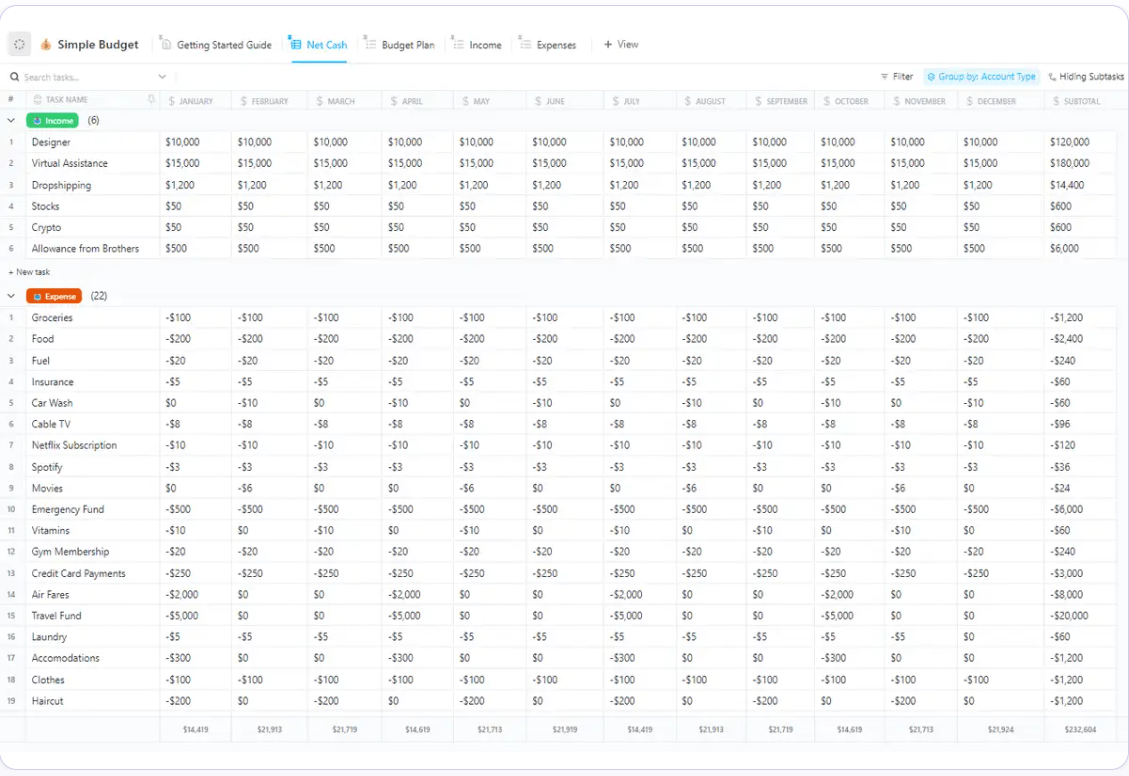
ClickUp’s Simple Budget Template lets you set financial goals and monitor actual spending by category in one place. With a bill tracker template like this, you can schedule payments around the same time you get paid.
With custom views, you can tell if you’re going to be short of funds and make alternative arrangements. This simple template helps you streamline your finances by tracking expenses versus income, and you’ll be able to allocate money wisely and find room for savings.
Use this handy bill organizer to categorize expense items by type, due dates, etc., and simplify your budget planning. It also shows in percentage terms any expenses where you may have exceeded budget.
Pro tip : If you ever forget to review your budget, the template will send you a friendly reminder. For this, set a recurring task within ClickUp.
ClickUp Monthly Expense Report Template
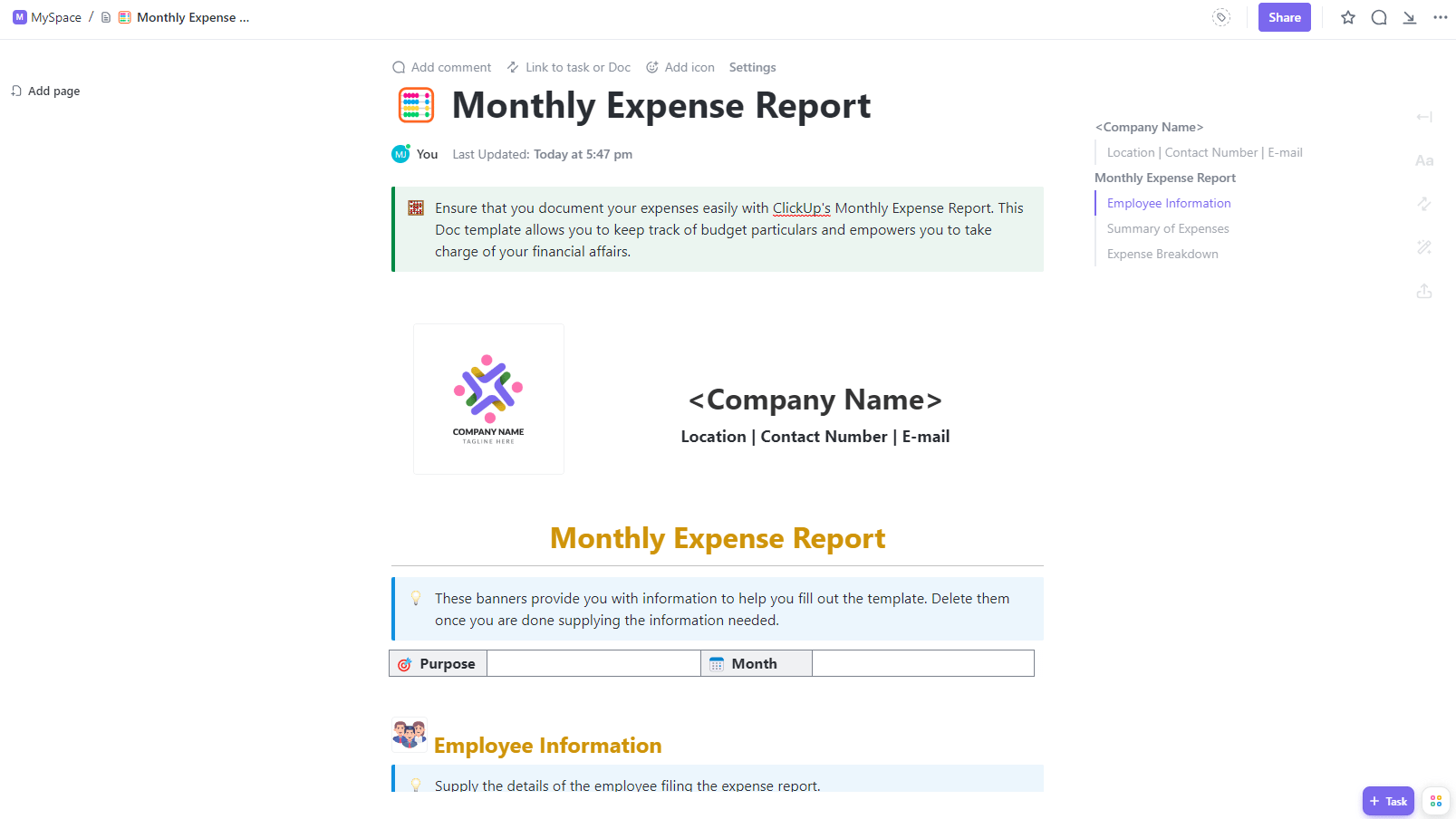
ClickUp’s Monthly Expense Report Template ensures you don’t forget important information, like dates, when filing expense reports. The fields are customizable, allowing you to add details like purchase order numbers easily.
The summary section gives a high-level overview of business expenses by type for a given month, with filters for due dates, priority levels, etc. This makes it easier for managers to track specific expense items, build reports, and make better decisions.
The best part is that with this purchase order template, you can standardize expense reports across different teams and departments, saving you hours on data validation.
