Are you tired of scrambling to pay bills on time? Do you forget payment due dates or lose track of your expenses? If so, a planner bill pay system might be exactly what you need to get your financial house in order. As someone who’s struggled with financial organization for years I’ve discovered that the right bill pay planner can make all the difference between financial chaos and calm.
What Is a Bill Pay Planner?
A bill pay planner is a specialized organizational tool designed to help you track, manage, and pay your bills on time. Unlike regular planners, these specific organizers include features like payment trackers, expense logs, debt payoff sections, and often pockets for storing receipts or bills
Bill pay planners come in various formats
- Physical planners with dedicated sections for bill tracking
- Digital planning apps and software
- Budget books with bill payment sections
- Expandable file organizers for paper bills
Why You Need a Bill Pay Planner in Your Life
Let’s be real—managing finances is a pain. But here’s why a dedicated bill pay planner is worth considering:
- Prevents late payments: No more forgotten bills means no more late fees
- Improves financial awareness: Seeing all your bills in one place helps you understand your spending patterns
- Reduces stress: Knowing exactly what’s due and when creates peace of mind
- Helps with budgeting: Tracking bills makes planning your monthly budget much easier
- Organizes financial documents: Keeps important papers accessible when you need them
Popular Bill Pay Planner Options in 2025
Physical Bill Pay Planners
Based on the most popular options currently available at retailers like Walmart, here are some top physical bill pay organizers:
-
Monthly Budget Planners with Pockets
- Floral Monthly Budget Planner ($11.23) – Includes 24 pockets for receipts
- Blue Monthly Budget Planner ($15.45) – Larger format (8×10 in) with receipt pockets
- Current Fresh Patterns Bill Paying Organizer ($15.95) – Spiral-bound with 14 file folder pockets
-
Clever Fox Budget Planners
- Clever Fox Budget Planner & Monthly Bill Organizer with Pockets ($29.99)
- Clever Fox Budget Book 2.0 ($18.99) – Compact size with expense tracking
-
Budget Books with Bill Tracking
- WEMATE Budget Planner with Lock ($12.14) – For extra privacy protection
- Budget Planner with Expense Tracker Notebook ($12.14) – Pink 7×10″ format
-
Bill Payment Tracker Notebooks
- Bill Payment Tracker with Spiral Binding and Back Pocket ($9.99)
- Monthly Bill Organizer ($varies) – Simple format focused on bill payments
Digital Bill Pay Solutions
For those who prefer digital solutions, Microsoft offers powerful options:
Microsoft Planner
Microsoft Planner is a robust task management tool that can be adapted for bill payment tracking. While not specifically designed for bill management, its features make it suitable for financial organization:
- Create buckets and tasks based on your financial planning goals
- Set due dates for bill payments
- Track payment status
- Collaborate with family members on shared expenses
- Access from anywhere with mobile apps
Microsoft offers several Planner options:
- Planner Plan 1 ($10.00/month) – Task dependencies, premium templates
- Planner and Project Plan 3 ($30.00/month) – Includes Microsoft 365 Copilot in Planner
- Planner and Project Plan 5 ($55.00/month) – Adds portfolio management
How to Choose the Right Bill Pay Planner
With so many options available, how do you choose the right one? Consider these factors:
Format Preferences
Ask yourself: Do you prefer digital or physical planning? Be honest about your habits.
I used to think I’d be better with a digital system, but I found myself forgetting to check apps. A physical planner on my desk works better for me—I can’t ignore it!
Size and Portability
- Compact (5×7 inches): Great if you want to carry it in your purse or bag
- Medium (7×10 inches): Good balance between space and portability
- Large (8.5×11 inches): Maximum writing space but less portable
Features to Look For
The best bill pay planners include:
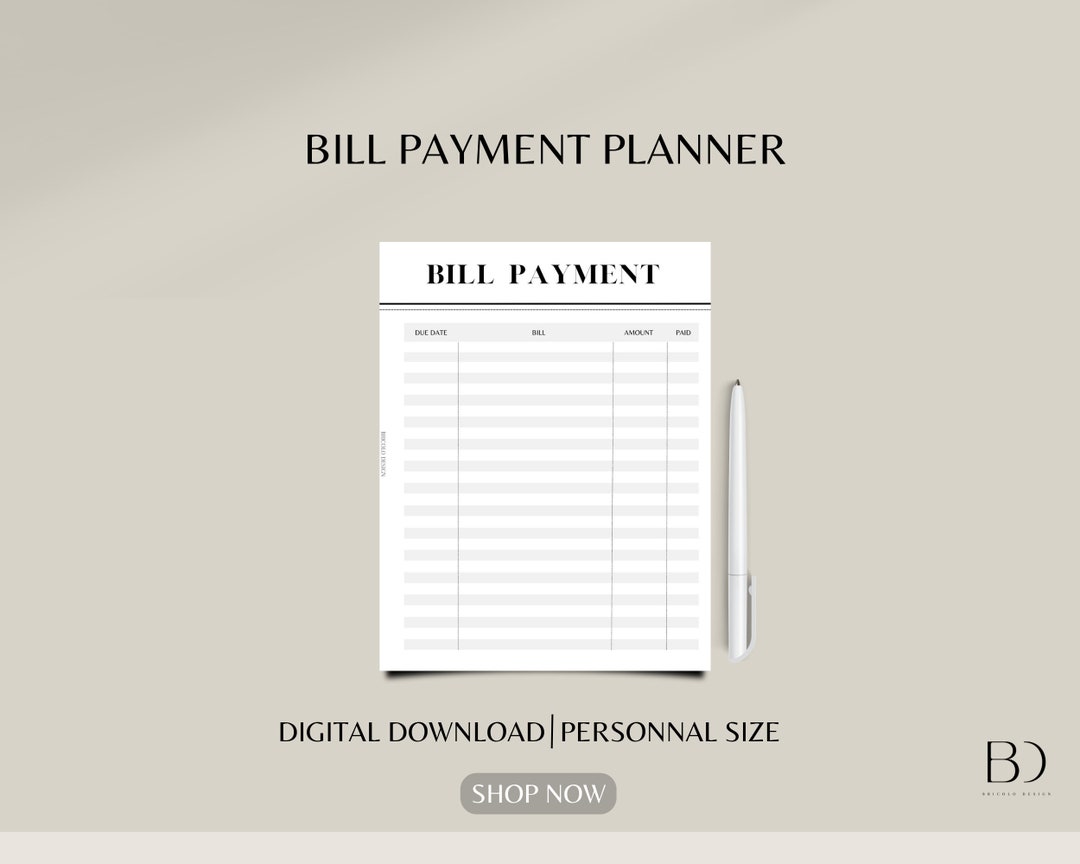
- Bill payment checklists: To mark when bills are paid
- Due date trackers: Clear sections for noting when payments are due
- Budget sections: Space to plan your monthly budget
- Expense tracking: Areas to record actual spending
- Debt payoff tools: Sections for monitoring debt reduction
- Storage pockets: For keeping receipts or unpaid bills
- Calendar views: To visualize payment schedules
Setting Up Your Bill Pay Planner
Once you’ve chosen your planner, follow these steps to set it up properly:
- Gather all your bills – Collect statements for all recurring expenses
- List payment due dates – Note when each bill must be paid
- Record payment amounts – Write down minimum payments and actual amounts
- Create a calendar – Mark bill due dates on a monthly calendar
- Establish a bill-paying routine – Set specific days to review and pay bills
- Set up reminders – Use additional alerts if needed
Bill Pay Planner Templates and Sections
A well-designed bill pay planner typically includes these sections:
| Section | Purpose |
|---|---|
| Monthly Calendar | Visual overview of due dates |
| Bill Tracker | List of bills with payment status |
| Expense Log | Record of all spending |
| Budget Planner | Monthly income and expense plan |
| Debt Payoff Tracker | Monitor progress on reducing debts |
| Savings Goals | Track progress toward financial goals |
| Receipt Storage | Pockets or envelopes for receipts |
Digital vs. Physical Bill Pay Planners: Pros and Cons
Physical Planners
Pros:
- Tangible reminder of bills
- No technology or subscription required
- Often includes physical storage for documents
- Writing by hand can improve memory of financial details
Cons:
- Can’t be easily backed up
- Limited space for notes
- Must be physically present to use it
- Potential privacy concerns if misplaced
Digital Planners (like Microsoft Planner)
Pros:
- Accessible from anywhere
- Automatic backups
- Can set digital reminders
- Easily shareable with family members
- More environmentally friendly
Cons:
- Requires tech skills and device access
- Monthly subscription costs for premium features
- Can get lost among other apps and notifications
- Potential data security concerns
Creative Ways to Use Your Bill Pay Planner
Your bill planner can do more than just track bills. Try these creative uses:
- Color-code bills by type – Utilities in blue, subscriptions in green, etc.
- Track spending habits – Note patterns in discretionary spending
- Plan for annual expenses – Mark infrequent bills like property taxes
- Monitor subscription renewals – Track free trial periods
- Record payment confirmation numbers – Keep proof of payment handy
- Note customer service interactions – Track calls to billing departments
Real-Life Success with Bill Pay Planners
When I first started using a bill pay planner, I was skeptical. Could a simple notebook really fix my financial chaos? The answer was a resounding yes! Within three months, I:
- Eliminated late fees completely (saving about $120 quarterly)
- Finally got a clear picture of where my money was going
- Discovered I was paying for THREE streaming services I rarely used
- Reduced my monthly stress levels considerably
My neighbor Sarah had an even more dramatic transformation. After divorcing and suddenly managing all household finances herself, she was drowning in paperwork and missed payments. A Clever Fox Budget Planner helped her regain control and actually improve her credit score by 45 points in six months!
Bill Pay Planner Maintenance Tips
To keep your planner effective:
- Update weekly – Set aside time to review and update
- Reconcile with bank statements – Verify all payments were processed
- Archive paid bills – Move completed months to storage
- Reassess quarterly – Adjust your system as needs change
- Clean out receipt pockets – Don’t let them overflow
Bill Pay Organization for Different Financial Situations
For Couples Managing Finances
- Use color-coding for each person’s bills
- Include sections for both joint and individual expenses
- Consider Microsoft Planner for real-time sharing of financial tasks
For Small Business Owners
- Separate sections for business and personal expenses
- Include tax payment reminders
- Track deductible expenses carefully
For Those on Tight Budgets
- Include detailed expense tracking
- Add savings challenge sections
- Focus on debt payoff strategies
Common Mistakes to Avoid
Even the best bill pay planner won’t help if you make these errors:
- Forgetting to check it – The best planner is useless if ignored
- Not updating payment amounts – Bills change; your planner should too
- Overcomplicating your system – Simpler is often better
- Not including all expenses – Annual and quarterly bills matter too
- Abandoning it after a few weeks – Consistency is key
A good bill pay planner isn’t just about organizing papers—it’s about gaining control of your financial life. Whether you choose a beautiful floral budget book with pockets, a secure digital solution like Microsoft Planner, or a simple bill payment tracking notebook, the important thing is finding a system that works for YOU.
Financial organization isn’t a one-size-fits-all solution. You might need to try a couple different approaches before finding your perfect match. But when you do, the peace of mind is worth every penny.
So, what are you waiting for? Your bills aren’t going to organize themselves! Pick a planner that speaks to you, set it up properly, and watch as your financial stress melts away. Your future self (and credit score) will thank you!
FAQs About Bill Pay Planners
Q: How much should I spend on a bill pay planner?
A: Quality planners range from $10-30, but digital options like basic Microsoft Planner features are included in Microsoft 365 subscriptions.
Q: Can I use a regular planner instead?
A: Yes, but dedicated bill pay planners have specific features that make financial tracking easier.
Q: How long does setting up a bill pay system take?
A: Initial setup takes 1-2 hours, but the time saved and stress reduced make it worthwhile.
Q: Are digital planners secure for financial information?
A: Services like Microsoft Planner include security features, but always use strong passwords and enable two-factor authentication.
Q: What if I miss a month of tracking?
A: Don’t give up! Just start fresh with the current month and get back on track.
Shop now. Pay in Always interest-free.
Add your favorites to bag
Select Afterpay at Checkout
Log into or create your Afterpay account, instant approval decision
Your purchase will be split into 4 payments, payable every 2 weeks
You must be over 18, a resident of the U.S. and meet additional eligibility criteria to qualify. Late fees may apply. Estimated payment amounts shown on product pages exclude taxes and shipping charges, which are added at checkout. Click here for complete terms. Loans to California residents made or arranged pursuant to a California Finance Lenders Law license. © 2020 Afterpay
