Enter your email or phone number to make your companys money go further with Expensifys time-saving spend management tools.
Are you tired of spending hours managing bills, chasing down approvals, and making payments? I’ve been there too. As someone who’s juggled multiple invoices for years, I can tell ya that Expensify Bill Pay has completely changed my financial workflow. This powerful feature within the Expensify ecosystem isn’t just another bill payment system – it’s a comprehensive solution that can save your business valuable time and resources
What is Expensify Bill Pay?
Expensify Bill Pay is an integrated component of Expensify’s all-in-one spend management platform that allows businesses to capture approve and pay bills all within the same system. Unlike traditional bill payment methods that require multiple tools and manual processes, Expensify streamlines the entire workflow from receipt to payment.
The beauty of Expensify Bill Pay lies in its seamless integration with the rest of Expensify’s features This means you’re not just getting a bill payment tool – you’re getting a complete financial management solution that handles everything from expense reports to reimbursements.
Key Features of Expensify Bill Pay
Expensify Bill Pay comes packed with features designed to make bill management as painless as possible:
-
Automated Bill Capture: Simply forward your bills to [email protected] or upload them through the app, and Expensify will automatically extract the relevant information.
-
Approval Workflows: Create custom approval chains to ensure proper oversight before any payment is made.
-
Payment Processing: Pay vendors directly through the platform with just a few clicks.
-
Due Date Tracking: Never miss a payment deadline with automatic reminders and scheduling.
-
Integration with Accounting Software: Automatically sync your bill payments with popular accounting platforms like QuickBooks, NetSuite, Sage Intacct, and Xero.
-
Audit Trail: Keep detailed records of all bill-related activities for compliance and auditing purposes.
How Expensify Bill Pay Works
Let me break down how this process actually works in the real world:
-
Bill Capture: When you receive a bill, you can scan it with the mobile app, drag-and-drop it on the web interface, or forward it directly to [email protected].
-
Information Extraction: Expensify’s AI-powered SmartScan technology automatically extracts key details like vendor, amount, due date, and account information.
-
Approval Process: The bill is then routed through your predefined approval workflow. Approvers can review and approve directly from their email or the Expensify app.
-
Payment Scheduling: Once approved, payments can be scheduled to ensure they’re made on time – not too early (preserving cash flow) and not too late (avoiding late fees).
-
Accounting Sync: After payment, the transaction is automatically recorded in your connected accounting software, eliminating manual data entry.
Why Choose Expensify Bill Pay?
Time Savings
The most obvious benefit of Expensify Bill Pay is the time it saves. According to user testimonials on the Expensify website, businesses have reported saving approximately 45 accounting hours per month by using Expensify’s suite of tools. This isn’t just about bill payment – it’s about freeing up your finance team to focus on more strategic activities.
Reduced Errors
Manual bill processing is prone to errors – from data entry mistakes to missed payments. Expensify’s automated system significantly reduces these errors, ensuring greater accuracy in your financial operations.
Enhanced Visibility
With Expensify Bill Pay, you get real-time visibility into your payables. This means better cash flow management and fewer surprise expenses.
Simplified Compliance
The detailed audit trails and approval workflows make it easier to maintain compliance with internal policies and external regulations.
Global Capabilities
Expensify allows you to pay vendors anywhere in the world in their local currency, simplifying international business operations.
Integrating Expensify Bill Pay With Your Existing Systems
One of the standout features of Expensify Bill Pay is its integration capabilities. Expensify boasts 45+ integrations with popular business software, including:
- Accounting Software: QuickBooks, NetSuite, Sage Intacct, Xero
- ERP Systems: Workday, Oracle
- Payroll: ADP, Gusto
- Travel: Uber, Lyft, various booking platforms
This extensive integration network means Expensify Bill Pay can slot right into your existing tech stack with minimal disruption. The platform is designed to work alongside your current systems, enhancing rather than replacing them.
Expensify Bill Pay vs Traditional Bill Payment Methods
Let’s compare Expensify Bill Pay with traditional bill payment approaches:
| Feature | Traditional Methods | Expensify Bill Pay |
|---|---|---|
| Bill Capture | Manual entry | Automated through SmartScan |
| Approval Process | Email chains or paper forms | Streamlined digital workflows |
| Payment Execution | Manual bank transfers or check writing | One-click digital payments |
| Record Keeping | Manual filing or basic digital storage | Comprehensive digital audit trail |
| Integration | Limited or manual | 45+ automated integrations |
| Global Payments | Complicated and expensive | Built-in with local currency support |
Real-World Success With Expensify Bill Pay
According to testimonials on the Expensify website, users have experienced remarkable results:
- One company reduced corporate card reconciliation time by 90%
- Another saved 48+ hours per month with SmartScan technology
- A growing business successfully scaled from 10 to 230 employees while maintaining financial control
While these testimonials refer to Expensify’s platform as a whole, Bill Pay is a key component driving these efficiency gains.
Getting Started With Expensify Bill Pay
If you’re convinced that Expensify Bill Pay could benefit your business (and honestly, who wouldn’t be?), here’s how to get started:
- Sign Up: Create an Expensify account using your email or phone number.
- Choose Your Plan: Expensify offers various pricing tiers based on your business needs. While individual use is free, business plans start at $5 per member.
- Set Up Integrations: Connect Expensify with your accounting software and other relevant systems.
- Configure Approval Workflows: Define who needs to approve bills before payment.
- Start Processing Bills: Begin capturing and paying bills through the platform.
Maximizing Your Expensify Bill Pay Experience
To get the most out of Expensify Bill Pay, I recommend these best practices:
- Establish Clear Processes: Define clear guidelines for bill submission, approval, and payment.
- Train Your Team: Ensure everyone involved understands how to use the system.
- Leverage Automation: Take advantage of all automated features to minimize manual work.
- Regularly Review Settings: Periodically review and update your approval workflows and payment rules.
- Use Mobile Features: Encourage approvers to use the mobile app for on-the-go approvals.
Common Questions About Expensify Bill Pay
Is Expensify Bill Pay secure?
Yes, Expensify employs industry-standard security measures to protect your financial data and transactions. The platform uses encryption, secure authentication, and regular security audits to maintain a high level of protection.
Can I use Expensify Bill Pay if my company is small?
Absolutely! Expensify is designed to scale with businesses of all sizes, from solo entrepreneurs to large enterprises. The platform’s flexibility makes it suitable for companies at any stage of growth.
How does Expensify Bill Pay handle recurring bills?
Expensify can recognize recurring bills and help automate their processing. You can set up rules to automatically categorize and route recurring bills for approval, streamlining the entire process.
Can I pay international vendors with Expensify Bill Pay?
Yes! One of Expensify Bill Pay’s strengths is its ability to handle global payments. You can pay vendors anywhere in the world in their local currency, making international business relationships much easier to manage.
Does Expensify Bill Pay work with virtual cards?
Expensify offers virtual card capabilities that integrate with its bill payment system. This allows you to issue unlimited virtual cards for employees, vendors, or specific projects – all of which can be used in conjunction with Bill Pay for a comprehensive spend management solution.
The Cost of Expensify Bill Pay
Expensify’s pricing is surprisingly straightforward compared to many business software solutions. While individual use is free, business plans start at $5 per member. However, this cost can potentially be offset by using the Expensify Card, which earns cash back on US purchases.
When considering the cost, it’s important to factor in the time savings and error reduction that come with automating your bill payment process. Many businesses find that the ROI is substantial, especially when considering the 45+ hours of accounting time that can be saved monthly.
The Future of Bill Payment with Expensify
Expensify continues to innovate in the expense management space, and Bill Pay is no exception. The company’s focus on AI-driven automation suggests that future updates will make the bill payment process even more streamlined and intelligent.
With the integration of AI-powered expenses already a feature of the platform, we can expect increasingly sophisticated bill categorization, fraud detection, and payment optimization in future versions.
Conclusion: Is Expensify Bill Pay Right for Your Business?
After diving deep into Expensify Bill Pay, I believe it represents a significant advancement for businesses looking to modernize their financial operations. The combination of automated bill capture, streamlined approvals, and integrated payments creates a system that’s greater than the sum of its parts.
For businesses struggling with manual bill processing, missed payments, or lack of visibility into their payables, Expensify Bill Pay offers a compelling solution. The platform’s integration capabilities and scalable design make it suitable for organizations at virtually any stage of growth.
As someone who’s seen the evolution of finance technology over the years, I can confidently say that solutions like Expensify Bill Pay represent the future of business financial management. By combining powerful functionality with ease of use, Expensify has created a tool that addresses real-world pain points for finance teams.
Ready to transform your bill payment process? Give Expensify Bill Pay a try and join the millions of users who’ve already discovered the benefits of automated spend management. Your future self (and your accounting team) will thank you!
“The easiest expense tool I’ve ever used.”


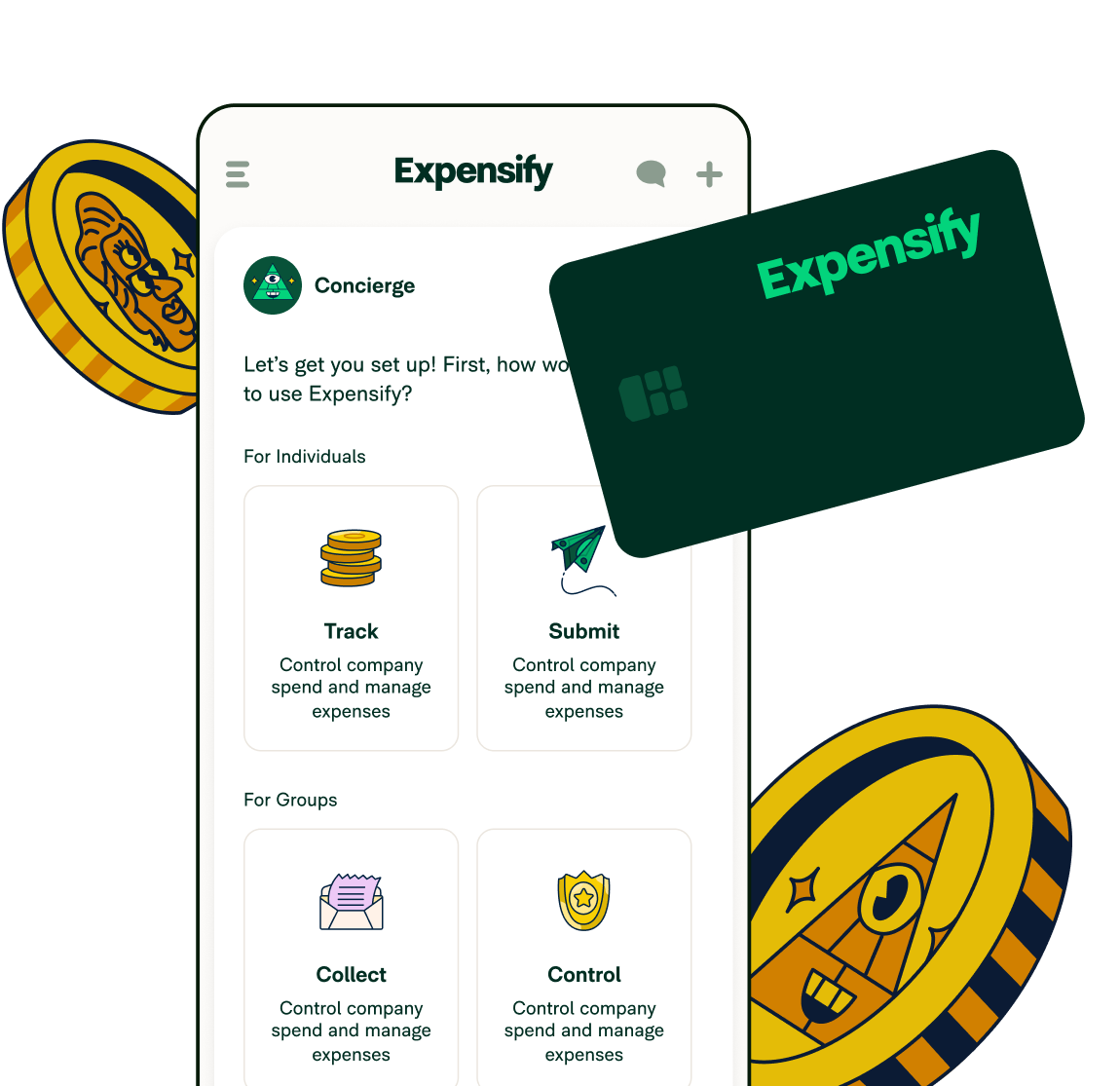
Expensify is an all-in-one expense management platform. You can track every receipt, manage expenses, and handle reimbursement, all with a couple of clicks.
What does Expensify integrate with?
Expensify integrates with QuickBooks, Xero, Oracle Netsuite, Sage Intacct, ADP, and Gusto, and 45+ more apps. Choose from accounting, finance, ERP, travel, tax, and many more software.
