Managing bills used to be a hassle – writing checks, buying stamps, and hoping everything arrives on time. But with KeyBank’s online Bill Pay service, I’ve discovered a game-changer that’s revolutionized how I handle monthly expenses. If you’re tired of the traditional bill payment grind, this comprehensive guide will walk you through everything you need to know about KeyBank Bill Pay.
What is KeyBank Bill Pay?
KeyBank Bill Pay is a convenient digital service that lets customers pay bills electronically through KeyBank’s online banking platform or mobile app. Instead of manually writing checks and mailing them, you can schedule and manage all your payments in one place.
The service is designed to be fast, secure, and guaranteed – perfect for busy people who want to simplify their financial lives With KeyBank Bill Pay, you can track payments, schedule recurring bills, and even expedite payments when necessary.
Key Features and Benefits
When I first started using KeyBank Bill Pay, I was amazed at how many useful features it offered Here’s what makes this service stand out
- Centralized Payment Management: Pay bills and make transfers directly from your account summary page
- Automatic Payee Information: Once you enter payee details, they’re saved for future use
- Payment History: View up to 12 months of payment history (no need to keep paper records!)
- Custom Recurring Payments: Schedule automatic payments at frequencies that match your bill cycles
- Expedite Payment Option: Get payments processed the next business day or sooner (fees apply)
- Multiple Payment Processing: Make several payments at once through Advanced Bill Pay
The system is intuitive enough that even if you’re not tech-savvy, you’ll find it easy to navigate and use effectively.
How to Get Started with KeyBank Bill Pay
Getting started with KeyBank Bill Pay is pretty straightforward. Here’s my step-by-step guide:
- Sign in to online banking through key.com or download the KeyBank mobile app
- Navigate to Bill Pay from your dashboard
- Add payees by entering their information (account numbers, addresses, etc.)
- Schedule payments by selecting the payee, amount, and payment date
- Set up recurring payments for regular bills (optional)
You’ll need to be at least eighteen years old to use the service, which is standard for most banking products.
Making the Most of KeyBank Bill Pay
Setting Up Recurring Payments
One of my favorite features is the ability to set up recurring payments. This is perfect for fixed bills like:
- Mortgage or rent
- Car payments
- Insurance premiums
- Subscription services
- Utility bills with consistent amounts
To set this up, just select the “recurring” option when scheduling a payment and choose your preferred frequency. The system will automatically process these payments so you never miss a due date again!
Using Expedited Payments
We’ve all been there – suddenly realizing a bill is due tomorrow! KeyBank’s Expedite Payment feature can be a lifesaver in these situations. For a fee, you can rush payments to arrive the next business day or sooner.
To use this feature:
- Sign in to online banking
- Go to Bill Pay
- Select the payee and payment amount
- Choose the “Expedite Payment” option
- Follow the prompts to complete the process
While there’s a fee involved, it’s often cheaper than late payment penalties from creditors.
Managing Multiple Payments
If you’re like me and prefer to handle all your bills at once, KeyBank’s multiple payment feature is super helpful. Rather than setting up each bill individually, you can:
- Sign in to online banking
- Go to Bill Pay
- Select ‘Advanced Bill Pay’
- Follow the prompts to set up multiple payments simultaneously
This saves time and makes bill management much more efficient.
Common Questions About KeyBank Bill Pay
Based on the information provided, here are answers to some frequently asked questions:
Why can’t I see or edit my payee’s address and phone number?
If you can’t view or change this information, it means KeyBank has a relationship with that payee and automatically keeps their details updated for you. This actually saves you time since you don’t need to worry about maintaining current payee information.
Can I make multiple payments at once?
Yes! Just sign on to online banking, go to Bill Pay, select ‘Advanced Bill Pay’, and follow the prompts. This feature is super convenient when paying multiple bills on payday.
Can I edit, cancel or delete a pending payment or transfer?
Absolutely. In online banking, upcoming activity is displayed in the ‘scheduled’ tab of Bill Pay. Just select the payment you wish to edit or delete. For cancellations, find the payment in the Bill Payments menu and select it to cancel.
Troubleshooting KeyBank Bill Pay Issues
Even the best systems occasionally have hiccups. If you encounter problems with KeyBank Bill Pay, try these solutions:
Account Access Issues
If you can’t access your account, your account might be locked. KeyBank provides an “My Account is Locked” option on their website to help resolve this.
Payment Processing Delays
Payments usually process within 1-2 business days, but external factors can cause delays. If a payment seems stuck, contact KeyBank’s customer service at 1-800-KEY2YOU (539-2968).
Adding New Payees
If you’re having trouble adding a new payee, double-check that you’re entering the correct account information. Some companies have specific requirements for how their information should be entered.
Security Features of KeyBank Bill Pay
In todays digital world, security is a major concern when banking online. KeyBank takes this seriously and has implemented several security measures:
- Encryption: All transactions are encrypted to protect your sensitive information
- Fraud monitoring: Systems continuously monitor for suspicious activity
- Multi-factor authentication: Additional verification steps help ensure only you can access your account
- Guaranteed payments: KeyBank stands behind their bill pay service with guarantees against fraudulent transactions
I’ve personally found these security measures reassuring, knowing my financial information and transactions are protected.
Comparing KeyBank Bill Pay to Alternatives
While many banks offer online bill payment services, KeyBank Bill Pay has some distinctive advantages:
| Feature | KeyBank Bill Pay | Typical Alternatives |
|---|---|---|
| Payment History | 12 months | Often limited to 3-6 months |
| Expedited Payment | Available | Not always offered |
| Multiple Payment Processing | Yes, through Advanced Bill Pay | Often requires individual setup |
| Payee Information Management | Auto-updated for partnered payees | Usually requires manual updates |
| Mobile App Integration | Fully integrated | Varies by provider |
Tips for Efficient Bill Management with KeyBank
After using KeyBank Bill Pay for a while, I’ve developed some strategies that might help you:
- Set up payments 3-5 days before due dates to allow for processing time
- Use calendar reminders for bills that vary in amount each month
- Review scheduled payments weekly to ensure everything is on track
- Keep payee list updated by removing outdated accounts
- Track payment history to identify spending patterns and budget more effectively
Additional KeyBank Online Services that Complement Bill Pay
KeyBank offers several other digital services that work well alongside Bill Pay:
- Mobile Deposit: Deposit checks remotely using your smartphone
- Account Alerts: Set up notifications for low balances or large transactions
- Zelle®: Send money to friends and family quickly
- MyKey Virtual Assistant: Get answers to banking questions instantly
- Automated Transfers: Move money between accounts on a schedule
Combining these features creates a comprehensive digital banking experience that can save you tons of time.
Final Thoughts: Is KeyBank Bill Pay Right for You?
After diving deep into KeyBank Bill Pay, I believe it’s an excellent option for most people who:
- Have multiple monthly bills to manage
- Want to reduce paper clutter and manual check writing
- Value the security of banking with an established financial institution
- Prefer handling finances on their own schedule rather than being tied to business hours
- Appreciate having payment records easily accessible
The convenience, security, and time-saving benefits make this service worthwhile for most KeyBank customers. While there are fees for certain premium features like expedited payments, the basic Bill Pay service itself doesn’t add any cost to your banking relationship.
If you’re still handling bills the old-fashioned way, I’d definitely recommend giving KeyBank Bill Pay a try. The initial setup takes some time as you enter payee information, but once that’s done, you’ll wonder how you ever managed without it!
For more information or to enroll in KeyBank Bill Pay, visit key.com, use the KeyBank mobile app, or call 1-800-KEY2YOU (539-2968).
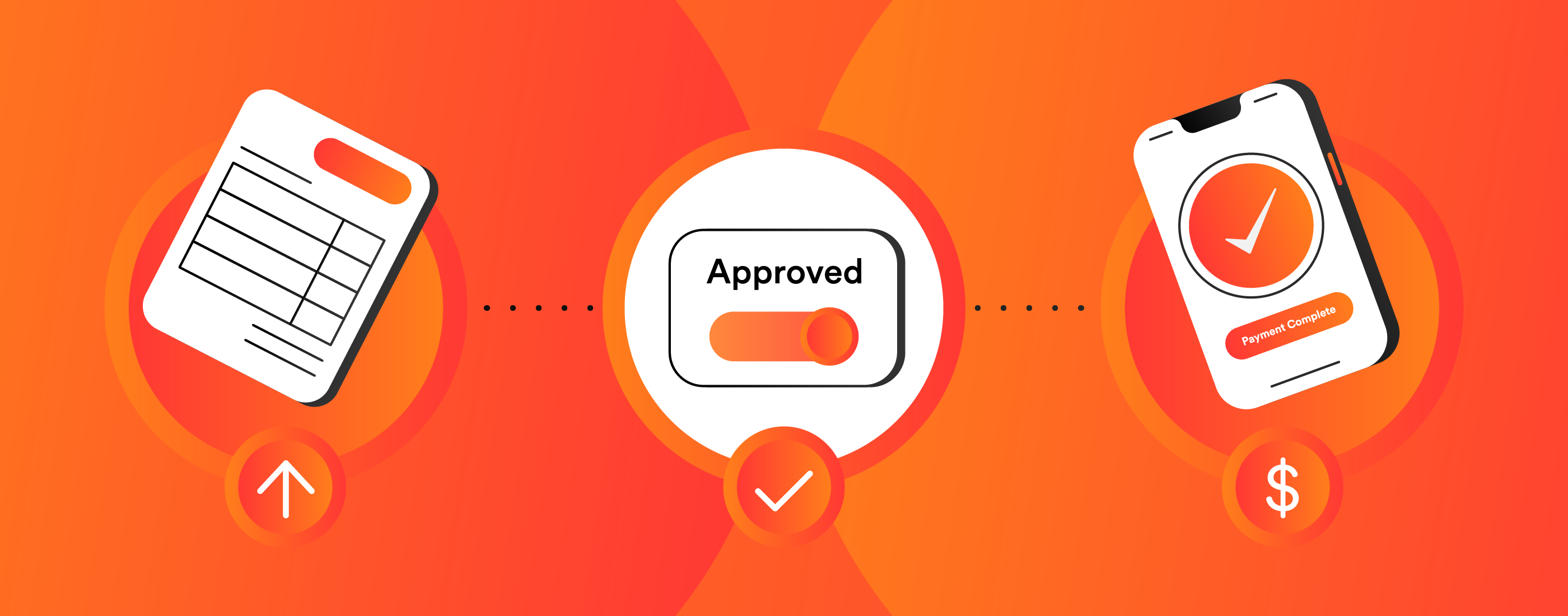
Pay bills automatically by enrolling in bill pay.With Bill pay, it’s easy to pay bills or make person to person electronic payments from your online banking or Keen Bank mobile app. Manage paying your bills with a one time payment or reoccurring basis to virtually any business in the United States. There are flexible payment schedule options, reminders for bills and view all payments and reminders at a glance in a calendar or list view. There is also an option to receive eBill information from supported billers. All transactions are secure and give you 24 hour access with a rush payment option.
- Enter the information from your bill. Please make sure the information is filled out accurately including the phone number of the business and your account number. This must match exactly for proper processing.
- If a company is set up to receive electronic payment and the information you enter is accurate, the Payee will be automatically set up to send payments electronically. If not, the payment will go by check. If payments are sent by check, please allow seven days for delivery.
- Enter the name, phone number and email address.
- You will be asked to create a shared keyword for the person to use setting up the account. This keyword should be told to the person you are paying to prevent any fraudulent payee setups.
- The payee will receive an email with a link to enter their account information. Once the payee has completed the setup you will be able to schedule a payment to them.
- When the payee clicks the link in the email, they will be asked to enter the shared keyword that you have provided to them.
- After entering the shared keyword, the payee can then enter their account information through the secure portal. You will never need to see their account information.
