Are you tired of forgetting to pay your Kirkland utility bill until the last minute? Maybe you’ve been hit with those annoying 10% late fees once too often? I’ve been there too and that’s why I created this comprehensive guide to help fellow Kirkland residents manage their utility payments without the stress.
The City of Kirkland offers multiple convenient ways to pay your utility bill – whether you prefer handling things online, over the phone, or the old-fashioned way in person. In this article, I’ll walk you through all your options so you can choose what works best for your lifestyle.
Understanding Your Kirkland Utility Bill
Before diving into payment methods, it’s important to understand what you’re actually paying for The City of Kirkland utility services typically include
- Water
- Sewer
- Drainage
- Garbage collection
Your bill might look a bit different now, as Kirkland recently updated their utility billing statements with a refreshed layout and more detailed information. The new design includes:
- Clear payment date visibility (now you can see exactly when your last payment was received)
- Itemized adjustment details
- Simplified current charges
- Improved water meter information
- Redesigned payment stub
When Is Payment Due?
This is super important to remember Payments are due on the billing date shown on your statement and become delinquent 30 days from the billing date
A 10% late fee gets added on the 31st day, and they don’t send additional bill notices before the due date. Also, if your payment arrives after 3 p.m. on the due date, it’ll be credited to your account the following day.
Online Payment Options for Kirkland Utility Bills
Let’s be honest – paying online is probably the most convenient option for most of us. The City of Kirkland partners with a third-party service called Paymentus to handle online payments.
How to Pay Online:
- Gather your account info (it’s on your utility bill)
- Go to the City’s online utility payment service through Paymentus
- Either make a one-time payment or create an account
- You’ll receive an email confirmation
You can pay using credit card, debit card, or e-check. The great thing about creating an account with Paymentus is that you can:
- View past statements
- Check payment history
- Set up recurring payments (which process on your due date)
- Receive email notifications when new bills are generated
- Get notifications when payments are made
One-time payments usually post to your account within two business days. If you don’t know your account number, you can always contact the Utility Billing office at 425-587-3150.
Automatic Payment Options
If you’re like me and sometimes forget to pay bills on time, setting up automatic payments might be your best option. The City of Kirkland offers two ways to do this:
Option 1: Paymentus Autopay Program
You can sign up for autopay online through the Paymentus website. This lets you set up recurring payments using credit card, debit card, or e-check.
Option 2: Direct Debit Program
The City also offers automatic utility bill payment through their direct debit program. To enroll:
- Download the form from the City website
- Complete the application
- Return it to the Utility Billing Department
You can email the completed form to [email protected] or call 425-587-3150 with questions.
Pay by Phone
Don’t feel like going online? No problem! You can pay your bill over the phone using Kirkland’s automated payment system:
- Call 1-855-498-9970
- Have your account number ready (include the three zeroes at the end, without the dash)
- Pay with Visa, Mastercard, or E-Check
Phone payments typically post to your account within one business day.
Paying by Mail
If you prefer the traditional route, you can mail your payment. Just remember to:
- Write your account number on your check
- Include the bottom portion of your bill with your payment
- Allow 10 days for your payment to reach the City
- Mail to: City of Kirkland Utility Billing, PO Box 3528, Seattle, WA 98124-3528
Important update: The City of Kirkland recently changed its mailing address for payments. If you pay using bill pay via your bank or another third-party processor, make sure to update the mailing information to avoid payment delays.
In-Person Payment Options
If you prefer the personal touch, you can pay in person at:
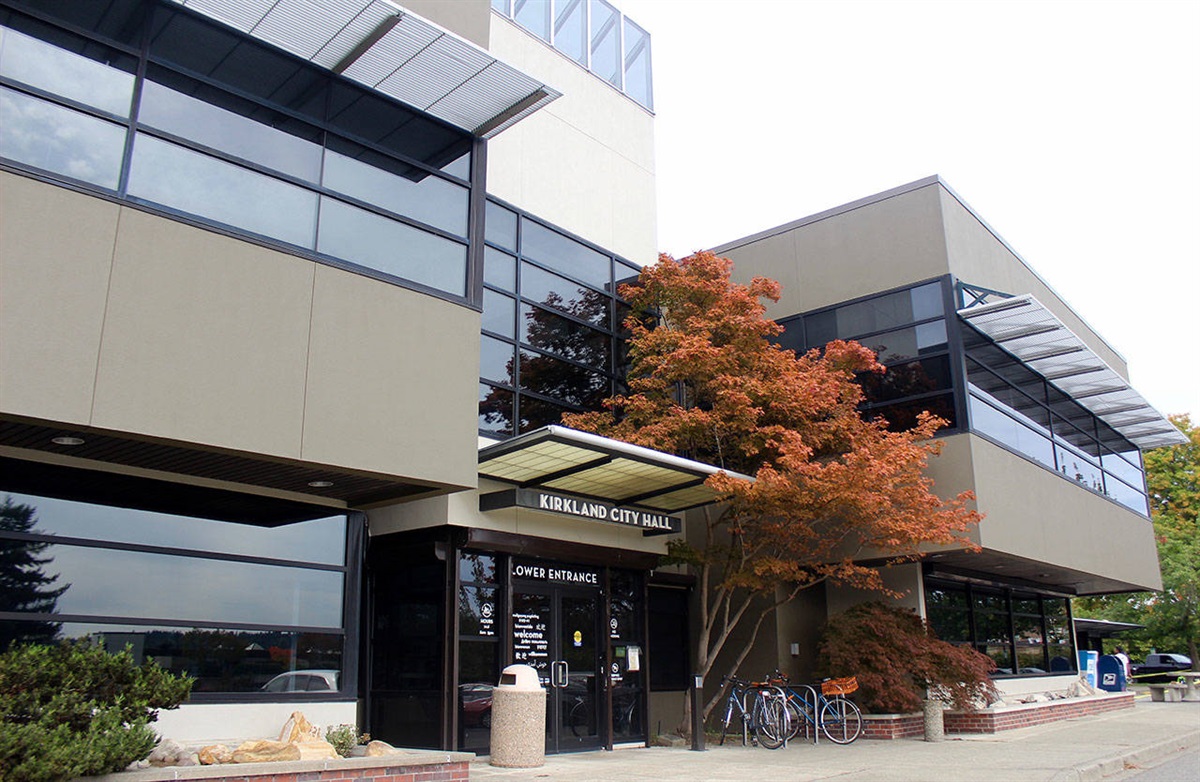
City Hall Drop Box
- Available 24/7 at City Hall main entrance (123 5th Ave)
- No cash, please
City Hall Utility Billing Counter
- Open Monday through Friday, 8 AM to 5 PM (except holidays)
- Accept cash, check, or card payments
What If I’m a Tenant?
If you’re renting, it’s important to know that property owners are ultimately responsible for all utility charges. In some cases, bills are sent to tenants or other designees for convenience, but the property owner remains liable.
If you’re a tenant receiving the bill, be aware that a copy of any late notice will also go to the property owner. For more info, you can contact the Utility Billing Office or find the alternate billing form on the City website.
What Happens If I Can’t Pay My Bill?
Life happens, and sometimes paying bills on time is challenging. If you’re struggling to pay your Kirkland utility bill, don’t ignore it! Contact the Utility Billing office immediately to discuss your options, which might include:
- Setting up a payment plan
- Getting a due date extension
- Exploring assistance programs
- Learning about conservation tips to reduce future bills
Early communication with the billing office is key to avoiding bigger problems down the road.
Tips to Avoid Late Fees
Nobody wants to pay extra fees! Here are some strategies I use to stay on top of my utility payments:
- Set up automatic payments – This is honestly the easiest way to avoid late fees
- Create calendar reminders – Set alerts a few days before the due date
- Use online account access – Regularly check your balance and upcoming due dates
- Pay a few days early – Don’t wait until the last minute
- Sign up for email notifications – Let Paymentus alert you when a new bill is ready
Understanding Your Utility Rates
Kirkland utility rates depend on several factors including your water usage and fixed charges for services. Here’s a basic breakdown:
- Water – Charges based on your volume usage
- Sewer – Usually includes a fixed monthly charge plus a volume charge
- Drainage – Typically a fixed monthly fee
- Garbage – Fixed fee based on your service level
Rates are adjusted periodically by City Council ordinance, so it’s good to review your bill occasionally to understand any changes.
FAQ About Kirkland Utility Bill Pay
How can I view my billing history?
Create an account with Paymentus to access your current and past billing statements online.
What if I don’t know my account number?
Contact the Utility Billing office at 425-587-3150 for assistance.
Can I pay for multiple accounts at once?
Yes, you can pay multiple accounts through the Paymentus system.
Is there a fee for paying online?
Paymentus may charge a small convenience fee for some payment methods.
What happens if my payment is returned?
Returned payments may incur additional fees and could result in your account becoming delinquent.
Contact Information
If you need assistance with your Kirkland utility bill, here’s how to reach the Utility Billing office:
- Phone: 425-587-3150
- Alternative Phone: 1-855-498-9970
- Email: [email protected]
- Location: City Hall, 123 Fifth Avenue, Kirkland, WA 98033
My Personal Experience with Kirkland Utility Bill Pay
When I first moved to Kirkland, I was honestly a bit confused about the utility billing system. I missed a payment deadline and got hit with that nasty 10% late fee. After that experience, I immediately signed up for automatic payments through Paymentus, and it’s been smooth sailing ever since.
The online system is pretty user-friendly, and I appreciate being able to see my consumption data – it’s actually helped me become more conscious about my water usage. The email notifications are super helpful too, since I no longer have to remember to check if a bill is due.
Final Thoughts
Managing your Kirkland utility bill doesn’t have to be complicated or stressful. With so many payment options available, you can choose what works best for your lifestyle and preferences. Whether you’re tech-savvy and prefer online payments or like the traditional approach of mailing a check, the City of Kirkland has you covered.
I recommend setting up automatic payments if possible – it’s really the easiest way to ensure you never miss a deadline. But whatever method you choose, just remember to pay before the due date to avoid those pesky late fees!
Have you found another convenient way to pay your Kirkland utility bill that I haven’t covered? Or do you have questions about the billing system? Feel free to share your experiences in the comments below!
Happy bill paying, neighbors!
Make an Online Payment
Utility Billing Payments City of Kirkland Utility Billing PO Box 3528 Seattle, WA 98124-3528
