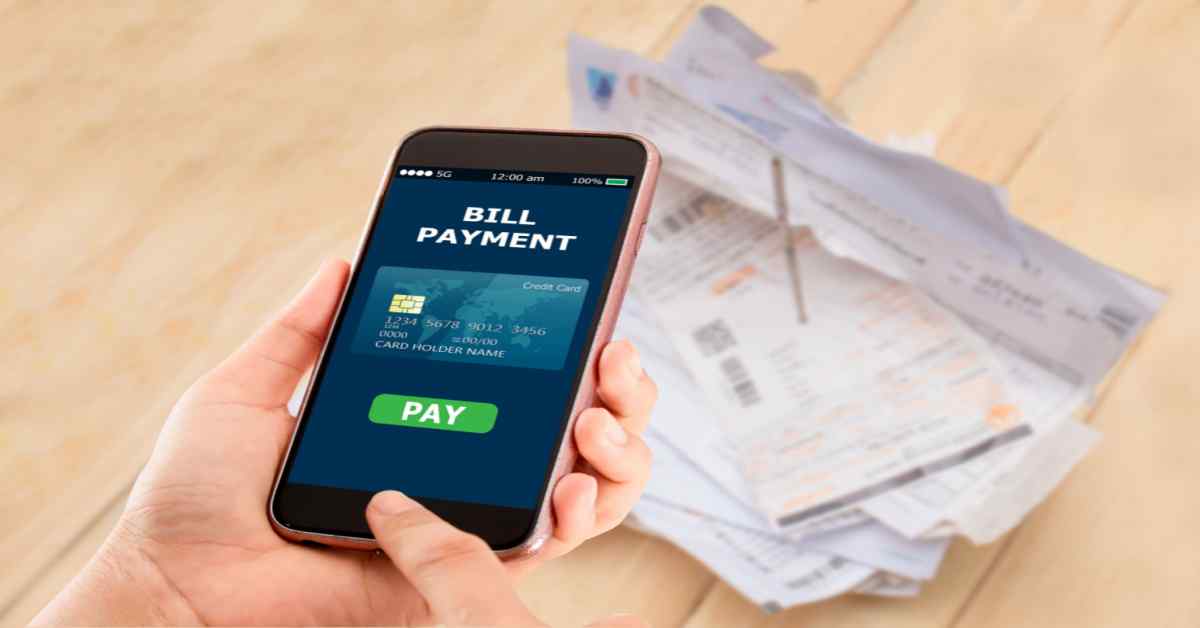
Are you tired of struggling with your Tallahassee utility bill payments? I’ve been there too! As someone who’s lived in Tallahassee for years, I’ve tried practically every payment method the City offers Today, I’m sharing my complete guide to Talgov bill pay options to make your life easier
The City of Tallahassee Utilities provides multiple convenient ways to pay your bills, and I’ll walk you through each one so you can choose what works best for your lifestyle.
Online Payment Options
1. Online Account Login
This is my personal favorite method! Create an online account or login to your existing account on the Talgov website. Once logged in:
- Click “Make a Payment”
- Store payment methods for future use
- View billing history
- Manage your account preferences
The online portal is available 24/7, so you can pay whenever it’s convenient for you, even at 3 AM in your pajamas (no judgment here!).
2. DigiTally Smartphone App
I absolutely love this option when I’m on the go! The DigiTally app lets you
- Pay your utility bill FREE via instant bank account transfer (ACH)
- Access stored payment methods
- Use advanced account features
- Check usage statistics
Simply download the app to your smartphone and follow the setup instructions. It’s super user-friendly and perfect for us tech-savvy folks.
3. Pay by Text Message
This is perfect for those of us who always have our phones nearby! Sign up for Pay by Text and:
- Receive text notifications when new bills are ready
- Pay directly through the text message
- Get payment confirmations
I find this especially useful as a reminder so I never miss a payment deadline.
4. Email Notifications
If you’re like me and check your email regularly, this option is fantastic. When you sign up:
- Get email alerts when your bill is ready
- Click the included link to view your bill
- Schedule payments through your online account
- Access additional account features
5. Online Payment by Account Number
Don’t want to create an account? No problem! You can still pay online by:
- Entering your utility account number
- Paying the current balance due
- Completing a one-time transaction
This is great when you’re in a hurry or just prefer not to have another login to remember.
Automated Payment Options
6. Auto Pay Program
This has saved me so many late fees! With Auto Pay:
- The amount due is automatically withdrawn from your checking account each month
- You never have to worry about missing a payment
- You still receive statements to review charges
- Changes can be made if needed
It’s truly set-it-and-forget-it convenience that works great for consistent budgeters.
7. Automated Phone Payments
Sometimes technology is great, but you just want to talk to a machine instead of a person. I get it! To pay by phone:
- Dial 850-891-4968
- Follow the automated prompts
- Account holders can easily pay with the last payment method used
This is especially helpful for those who might not be comfortable with internet-based options or when the website is down.
Traditional Payment Methods
8. In-Person Payments
Sometimes you just need to pay in person, and there are three ways to do this:
Walk-in Center:
The City of Tallahassee Utilities office is located at:
435 N. Macomb St.
Tallahassee, FL 32301
Drop Box:
Secure payment drop boxes are available if you want to drop off your payment without waiting in line.
Authorized Payment Locations:
Various locations throughout Tallahassee accept utility payments.
Always check the hours of operation before heading out!
9. Mail Your Payment
Good old-fashioned mail is still a popular choice! Simply send your payment to:
City of Tallahassee Utilities
435 N. Macomb St.
Tallahassee FL 32301
I recommend allowing 5-7 business days for processing to avoid late fees.
10. Mobile Wallet Options
While not explicitly listed on the website, many of the electronic payment methods accept:
- Apple Pay
- Venmo
- PayPal
- PayPal Credit
- Amazon Pay
- Google Pay
Important Fee Information
⚠️ Convenience Fee Alert!
Be aware that convenience fees apply to most electronic payment options if you use:
- Debit/credit cards
- Apple Pay
- Venmo
- PayPal
- PayPal Credit
- Amazon Pay
- Google Pay
Money-Saving Tip: ACH payments (direct bank transfers) are ALWAYS FREE regardless of which payment method you choose! This is how I avoid those pesky extra fees.
Need Help With Your Bill?
If you’re struggling with your utility bill, the City of Tallahassee offers assistance:
If you’ve been disconnected due to non-payment:
Contact customer service immediately at 850-891-4968.
If you need financial assistance:
The City offers programs to help residents who are having trouble paying their bills. Don’t wait until disconnection – reach out early for options!
FAQ About Talgov Bill Pay
When is my utility bill due?
Utility bills are typically due 21 days after they’re issued. The exact due date is printed on your bill.
What happens if I pay late?
Late payments may result in late fees, and eventually, service disconnection if the bill remains unpaid.
Can I set up a payment plan?
Yes! If you’re having trouble paying your bill, contact customer service at 850-891-4968 to discuss payment arrangements.
Is there a way to track my utility usage?
Yes! Through your online account, you can view your usage history and track consumption patterns.
What if I have a billing dispute?
Contact customer service immediately at 850-891-4968 to discuss any concerns about your bill.
My Personal Experience with Talgov Bill Pay
When I first moved to Tallahassee, I was honestly overwhelmed by all the payment options. I started with mailing my payments, but after forgetting to mail it twice (and getting hit with late fees), I switched to Auto Pay.
However, I eventually realized I wanted more control over exactly when money left my account, so I switched to the DigiTally app. Now I get notifications when my bill is ready, and I can schedule the payment for my payday. Plus, I use the ACH option, so I never pay extra fees!
The system isn’t perfect – sometimes the website has maintenance at exactly the time I need to pay, and occasionally the app glitches. But overall, Talgov has come a long way in making bill payment convenient for residents.
Tips for Managing Your Utility Bills
- Set calendar reminders if you don’t use Auto Pay
- Check for leaks if your water bill suddenly increases
- Sign up for budget billing to even out seasonal spikes
- Consider energy efficiency upgrades to reduce costs
- Check for assistance programs if you’re struggling financially
- Always keep your account number handy for quick payments
Contact Information
If you need assistance with your utility bill or have questions about payment options, contact:
City of Tallahassee Utilities
435 N. Macomb St.
Tallahassee FL 32301
Phone: 850-891-4968
You can also find Maps and Directions on their website or use their Contact Us form for non-urgent inquiries.
Conclusion
Managing your Talgov bill payments doesn’t have to be complicated! With so many payment options available, you can choose the method that best fits your lifestyle and preferences. Whether you prefer the convenience of auto-payments, the control of manual payments, or the traditional approach of in-person or mail payments, the City of Tallahassee Utilities has you covered.
I personally recommend trying the DigiTally app or online payment portal for the most convenient experience, but any of these methods will get the job done. And remember – always use ACH payments when possible to avoid those convenience fees!
What’s your preferred way to pay your Talgov utility bill? Have you tried any of these methods? I’d love to hear about your experiences in the comments below!