Xfinity is a popular internet and cable TV service provider in the US. The Comcast-owned brand offers several high-speed internet and TV plans so you can watch your favorite shows on your Google TV without interruptions.
Xfinity offers convenient options to stay on top of your monthly payments, ensuring a disruption-free service. This guide walks you through all the methods of paying your Xfinity bill. It also explains what to do if you get a late payment notification.
These Xfinity support tricks and tips can help bypass automated menus, AI assistance, and long wait times to solve your problem more quickly
Are you tired of dealing with online portals or just prefer the peace of mind that comes with paying your bills face-to-face? I totally get it! As a Comcast Xfinity customer myself I’ve explored all the different ways to handle my monthly payments and sometimes nothing beats the simplicity of an in-person transaction.
In this guide I’ll walk you through all the places where you can pay your Comcast bill locally. Whether you’re looking to avoid late fees, don’t have access to online banking, or just prefer the old-school approach, I’ve got you covered with these convenient payment locations.
1. Xfinity Stores – The Official Option
When it comes to paying your Comcast bill in person, Xfinity Stores are your most direct option. These are Comcast-owned and operated locations specifically designed to handle all your customer service needs including bill payments.
How to Find Your Nearest Xfinity Store:
- Use the Xfinity Store Locator on their website – just enter your zip code or city/state
- Call 1-800-XFINITY for assistance finding a location
- There are over 500 Xfinity Stores across the U.S., so chances are there’s one near you!
What to Expect When Paying at an Xfinity Store:
When you visit, simply let an employee know you’re there to make a payment. They’ll ask for your account number and the payment amount. At Xfinity Stores, you have multiple payment options:
- Cash payments
- Credit/debit cards
- Personal checks
- Self-service payment kiosks for faster service
Don’t forget to get a receipt! This is your proof of payment in case there are any questions later.
The best part about paying at an official Xfinity Store is that your payment is processed immediately, so you won’t have to worry about delays affecting your service.
2. Authorized Retailers – More Locations, More Convenience
In addition to their own stores, Comcast has partnered with over 1,500 authorized retail locations nationwide. This vastly expands your options for in-person bill payments.
Finding an Authorized Retailer:
- Use the Comcast payment location finder online
- Search by your address, zip code, or city/state
- Major chains like Walmart, Costco, and Albertsons are often authorized payment locations
How to Pay at an Authorized Retailer:
The process is pretty straightforward:
- Tell the cashier you want to make a Comcast bill payment
- Provide your Comcast account number
- Tell them how much you’re paying
- Complete the transaction with cash, card, or money order
- Get your receipt!
These retail partnerships give you many more convenient options for paying your bill near where you live, work, or shop. I personally love being able to handle my Comcast payment while doing my regular shopping!
3. Comcast Service Centers – Full-Service Support
Another option is to visit one of the 500+ Comcast Service Centers across their coverage areas. These centers handle not just payments but a variety of customer support needs.
Locating a Service Center:
- Use the Comcast location finder and search specifically for “service centers”
- Enter your zip code or city/state
- Many service centers offer extended hours including evenings and weekends
Making a Payment at a Service Center:
Head to the service desk and inform the representative that you need to make a bill payment. You’ll need to provide:
- Your Comcast account details
- The payment amount
Payment options typically include cash, check, or credit/debit cards. As always, request a receipt for your records.
Service centers are great because if you have any questions or issues with your account, the staff can help with those at the same time you make your payment.
4. Pay-by-Phone Option – No Travel Required
While not technically an “in-person” option, paying by phone is worth mentioning as an alternative when you can’t make it to a physical location.
How to Pay by Phone:
- Call Xfinity customer service at one of these numbers:
- 1-800-XFINITY
- 1-800-934-6489
- 1-800-266-2278
- Tell the agent you want to make a bill payment
- Have your account number ready
- Provide your payment details (typically a credit/debit card)
The whole process usually takes just a few minutes and is a great backup option when visiting a location isn’t possible.
5. Payment by Mail – The Traditional Route
For those who prefer the most traditional approach, you can always pay your Comcast bill by mail.
What You’ll Need:
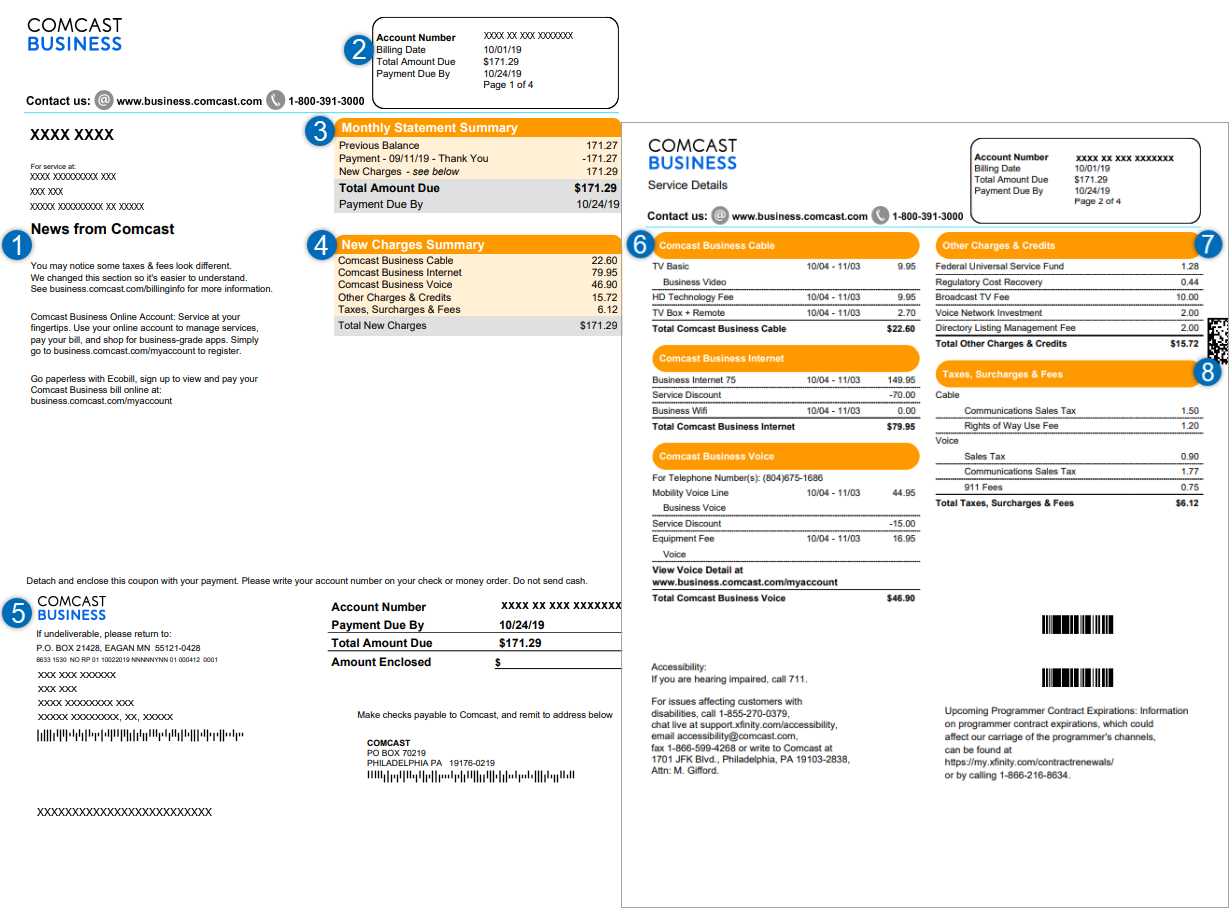
- The payment coupon from your monthly bill
- A check or money order (never send cash!)
- A stamped envelope
The Process:
- Detach the payment coupon from your statement
- Write your account number on your check if you don’t have the coupon
- Place everything in an envelope
- Mail it to the address printed on your statement
Pro tip: Mail your payment at least 7-10 days before the due date to ensure it arrives on time. This method takes longer than other options, but some folks still prefer it.
6. Xfinity Self-Service Kiosks – Quick and Easy
Inside all Xfinity stores, you’ll find self-service kiosks specifically designed for bill payments. These are perfect when you:
- Want to avoid waiting in line
- Prefer not to interact with a representative
- Are in a hurry
The kiosks accept multiple forms of payment including cash, which is super convenient if you don’t use banks or cards. They’re intuitive to use and will guide you through the payment process step by step.
Preparing For Your Visit
To make your in-person payment experience as smooth as possible, here’s what you should bring:
- A valid government-issued ID
- Your account number (found on your bill)
- Your payment (cash, card, check, or money order)
- Your latest bill (helpful but not always required)
Some locations offer appointments to reduce wait times. While not mandatory, scheduling ahead can help you get in and out faster, especially during busy periods.
Avoiding Late Fees and Service Interruptions
With so many payment options available, there’s really no reason to incur late fees or experience service interruptions. Here are some tips to stay on top of your Comcast payments:
- Set bill reminders on your phone or calendar
- Pay at least the minimum amount by the due date if you can’t pay in full
- Contact Comcast right away if you anticipate payment difficulties
- Know your local payment locations before you need them
- Consider setting up AutoPay for the most hassle-free experience
Final Thoughts
Paying your Comcast bill doesn’t have to be a hassle. With over 500 Xfinity Stores, 500+ service centers, and 1,500 authorized retail locations nationwide, you’ve got plenty of in-person payment options to choose from.
I’ve found that knowing all my options gives me flexibility each month depending on my schedule and situation. Whether I’m out shopping and can stop at an authorized retailer, near an Xfinity Store, or just need to call in a payment when I’m short on time, Comcast has made it relatively easy to keep my account current.
Remember that regardless of how you choose to pay, the most important thing is making your payment by the due date to avoid any unnecessary fees or service interruptions.
Do you have a preferred way to pay your Comcast bill? Have you found a particularly convenient location? I’d love to hear about your experiences in the comments!
Visiting an Xfinity Retail Store
You can go to an Xfinity Retail Store and use their Xfinity Self-Service Kiosks to pay your bills. They accept most payment methods, including cash and traveler’s checks. Use the Xfinity Retail Store locator to see which ones are closest to you. Confirm the store hours on the website before visiting the location.
How to pay your Xfinity bill through chat
You can chat with the Xfinity Assistant to pay your bill. Here’s how to access the virtual assistant:
- Web browser: Visit the support page to chat with the Assistant.

- Xfinity app: Tap the chat bubble icon in the upper-right corner.
- Text message: Text your query to 266278 on your phone.
- Xfinity Voice Remote: Use your Xfinity Voice Remote on your Xfinity X1 or Flex streaming TV Box to ask for help with your bill. Say Xfinity Assistant and the virtual assistant will appear at the bottom of your screen. To access the billing option, say Pay my bill.
- Xfinity X1: On your Infinity X1 TV Box, go to Tools > X1 Help Menu and Choose Xfinity Assistant. This option isn’t available on the RNG150 model.
How to Lower Your Xfinity Cable and Internet Bill
FAQ
How do I pay my Comcast Bill at Xfinity stores?
When you visit an Xfinity Store, let an employee know right away that you need to make a payment. Provide them with your Comcast account number and payment amount. You can pay by cash, credit/debit card, or check at Xfinity Stores. Payment kiosks are also available for fast self-service bill payment. Don’t forget to get a receipt.
Can I pay my Comcast Bill in person?
In addition to retail stores and authorized sellers, Comcast has over 500 service centers that also allow you to pay your bill in-person. Use the Comcast location finder and search for “service centers” near you. Enter your zip code or city/state to search.
Does Comcast pay Xfinity?
As one of the largest cable, internet, and phone providers in the U.S., Comcast offers their customers many options for paying bills. While digital payments are most convenient, Comcast allows you to stop by Xfinity stores, service centers, and authorized retailers if you prefer handling payments in person.
How do I find a Comcast service center?
Use the Comcast location finder and search for “service centers” near you. Enter your zip code or city/state to search. Service centers are available across Comcast’s coverage regions for customer support needs. Many are open evenings and weekends. At the service center, let the representative at the desk know you need to make a bill payment.
Does Comcast accept digital payments?
While digital payments are most convenient, Comcast allows you to stop by Xfinity stores, service centers, and authorized retailers if you prefer handling payments in person. By bringing your account details and payment, you can avoid any late fees and walk out with a paid up account.
How do I make a Xfinity payment?
For fast and easy payments anytime, register for My Account at Xfinity.com. You can pay in seconds online or using the Xfinity app. Go to Xfinity.com and click “Sign In” to access your My Account dashboard. If you haven’t registered, click “Create Account” to get started.
Where can you pay a Comcast bill in person?
Xfinity customers can make a payment at CheckfreePay payment locations in Walmart & Kroger, or at Western Union Quick Collect payment locations at stores like Rite Aid, Walgreens, Dollar General, and many supermarkets. Visit Western Union to find the Quick Collect options most convenient for you.
Can I pay my Comcast bill at CVS?
Beginning this month at CVS stores nationwide, consumers may make government and child support payments, along with bill payments to organizations including the IRS, Comcast, Greyhound, Grameen America and Oportun, using PayNearMe’s barcode technology, according to PayNearMe.
Can you pay your Comcast bill in cash?
You can mail us a check using the information on your bill, or visit a Western Union® Quick Collect® location to pay with cash or money order.
How do I pay my Comcast bill?
