Hey there, fellow South Carolina residents! If you’re like me, paying your energy bills isn’t exactly the highlight of your month. But guess what? Dominion Energy (the company that handles South Carolina electric and gas services) has actually made this necessary evil pretty straightforward. I’ve been a customer for years, and I want to share everything I know about paying your SC energy bills without the hassle.
The Many Ways to Pay Your Dominion Energy Bill in South Carolina
Let’s be real – we all have different preferences when it comes to handling our bills. Some of us are digital warriors, while others prefer the old-school approach The good news is that Dominion Energy offers lots of options for South Carolina customers
Online Payment Options (The Digital Way)
If you’re anything like me and prefer handling things from your couch (preferably in pajamas), these online options are your best bet:
-
One-Time Online Payment – This is my personal favorite!
- No fees (yay for free things!)
- Payments post to your account immediately
- Use your checking or savings account
- Can schedule for future dates if you’re not ready to part with your money just yet
- Need to sign in or register for an account
-
One-Time Guest Pay via Paymentus
- Don’t wanna create an account? No problem!
- $3.50 fee per transaction (bummer, I know)
- Payments post immediately
- Accepts credit/debit cards including Visa, MasterCard, Discover, and American Express
- Also takes digital payment methods like PayPal, Apple Pay, Google Pay, and Venmo
-
Credit/Debit Card Payments via Paymentus
- One-time or recurring options
- $3.50 fee per transaction (but can be waived if you go paperless!)
- One-time payments post immediately
- AutoPay posts 10 days before the due date
- Same payment methods as guest pay
-
AutoPay from Bank Account
- Set it and forget it approach
- No fees
- Payments post by the due date
- Uses checking or savings account
- Need to sign in to set this up
Traditional Payment Methods (For the Old School Crowd)
Sometimes technology just isn’t your thing, or maybe you just prefer the satisfaction of making a payment in person. I get it! Here are your options:
In-Person Payments
- Visit authorized payment locations
- Pay with check, money order, or cash
- Walmart locations accept cash or PIN-based debit cards
- Payments post immediately if made at authorized locations
Mail Your Payment
- Regular mail address: Dominion Energy, Customer Payments, P.O. Box 25973, Richmond, VA 23260-5973
- Overnight delivery: Dominion Energy, Customer Payments, 600 E. Canal Street, Richmond, VA 23219
- Remember to write your account number on your check/money order
- Include the payment stub from your bill
Phone Payments
- Call 800-450-9160
- $3.50 fee per transaction (charged by Paymentus)
- Payments post immediately
- Accept Visa, Mastercard, American Express, Discover, debit cards or electronic checks
Help When You Can’t Pay Your Bill
We’ve all been there – sometimes money gets tight and bills pile up. If you’re struggling to pay your South Carolina electric and gas bill, Dominion Energy offers several assistance options:
LIHEAP (Low-Income Home Energy Assistance Program)
This program can be a real lifesaver! It provides:
- Utility bill payment assistance
- Energy crisis assistance
- Weatherization and energy-related home repairs
Your local Community Action Agency can help you apply for this program. I’ve known several people who’ve benefited from this when times got tough.
EnergyShare®
Dominion Energy’s own assistance program has been helping qualified customers since 1982. It’s year-round and has helped countless South Carolina residents manage their energy costs.
Smart Ways to Manage Your Energy Bills
Sign Up for eBill (Paperless Billing)
Going paperless is not only environmentally friendly but also super convenient:
- Bills delivered straight to your email
- Secure access to your bill information
- If you use Paymentus for credit/debit card payments, you can get that $3.50 fee waived!
Budget Billing
This is my secret weapon for managing my household budget! Budget Billing spreads your energy costs evenly throughout the year, so you pay roughly the same amount each month. No more surprise high bills during extreme summer or winter months!
Download the Dominion Energy Mobile App
For the tech-savvy folks (or those trying to be):
- View and pay your bill on the go
- Access multiple billing and payment options
- Set up Budget Billing, paperless billing, or AutoPay through the app
Common Questions About South Carolina Electric and Gas Bill Pay
When is my bill due?
Your due date should be clearly marked on your bill. Most Dominion Energy bills are due about 20 days after they’re issued, but always check your specific due date.
What if I’m moving to a new address in South Carolina?
Dominion Energy makes it pretty easy to transfer service. You can:
- Stop service at your current address
- Start service at your new address
- Sometimes do both in one transaction through their website
Can I get an extension on my bill payment?
Life happens! If you need more time, contact Dominion Energy customer service. They can sometimes offer extensions or payment arrangements depending on your situation and payment history.
What happens if my payment is late?
Late payments may result in late fees and potentially service disconnection if they go unpaid for too long. It’s always best to contact Dominion Energy proactively if you think you’ll have trouble paying on time.
Understanding Your South Carolina Energy Bill
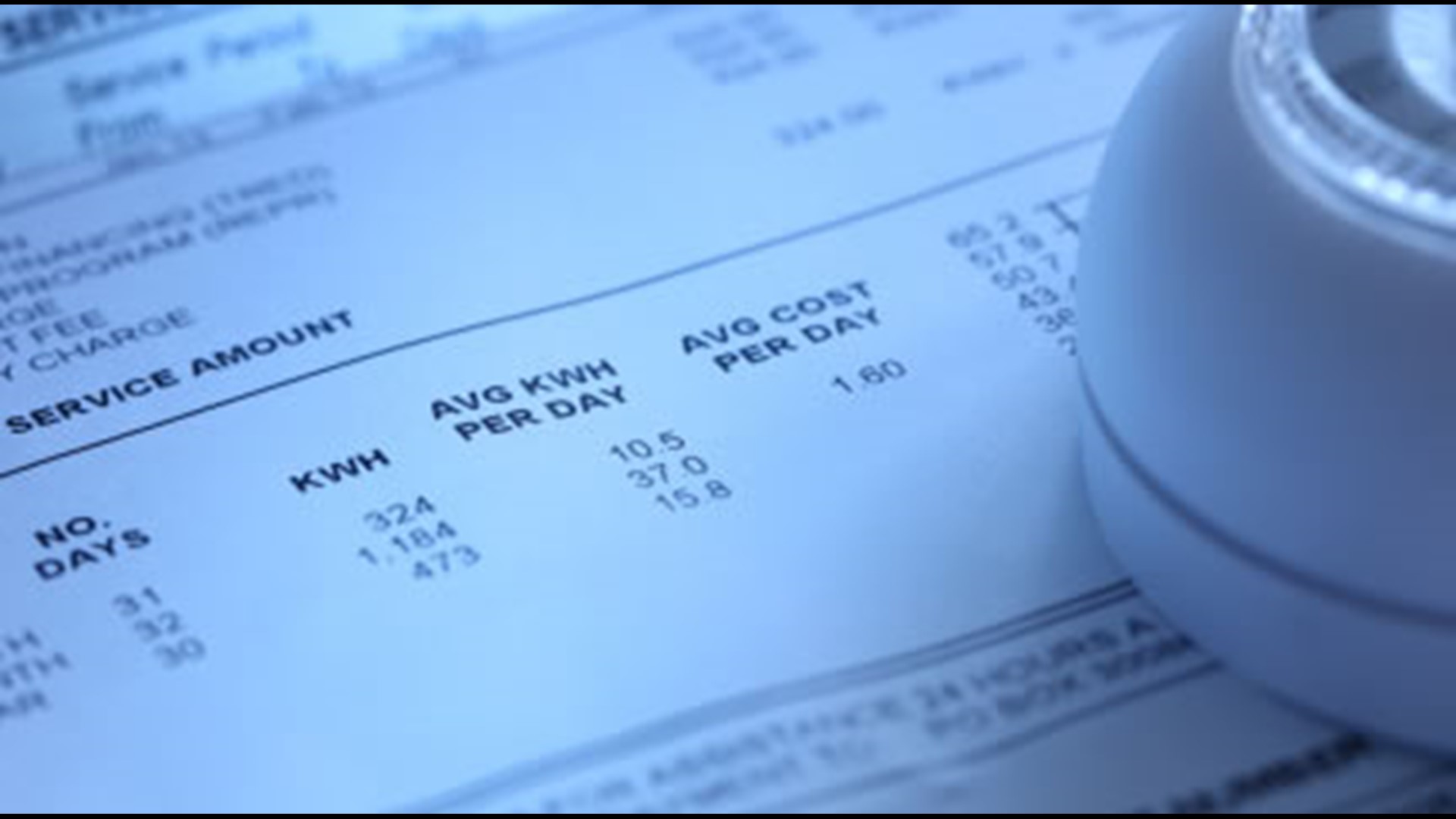
Ever looked at your energy bill and felt like you needed a translator? You’re not alone! Here’s a quick breakdown of what you’re looking at:
- Account information: Your account number, service address, billing period
- Amount due and due date: The bottom line – what you owe and when
- Usage information: How much electricity and/or gas you used during the billing period
- Rate information: The rates you’re being charged
- Charges breakdown: Itemized list of all charges
- Payment methods: Reminder of how you can pay
Dominion Energy has a sample bill breakdown on their website that’s super helpful for understanding all the different sections.
Tips for Lowering Your South Carolina Energy Bill
Who doesn’t want to pay less? Here are some easy ways to reduce your energy costs:
- Take advantage of energy efficiency programs through Dominion Energy
- Schedule a Home Energy Check-up to identify where you’re wasting energy
- Consider solar programs if you’re interested in renewable energy
- Look into rebates and discounts for energy-efficient appliances and improvements
- Use energy-saving tips like adjusting your thermostat, sealing leaks, and using energy-efficient lightbulbs
The Bottom Line on South Carolina Electric and Gas Bill Pay
Paying your energy bill in South Carolina doesn’t have to be complicated. Dominion Energy offers plenty of options to fit your preferences and lifestyle. Whether you’re a digital native who wants everything automated or someone who prefers the traditional approach of mailing a check, they’ve got you covered.
The most important thing to remember is that if you’re having trouble paying your bill, reach out for help! There are programs designed specifically to assist South Carolina residents with their energy costs.
Stay Connected with Dominion Energy
For the latest updates and information about your South Carolina electric and gas service, you can:
- Follow Dominion Energy on social media
- Download their mobile app
- Create an online account to access additional features
Remember, when it comes to paying your energy bills in South Carolina, you’ve got options. Choose what works best for you and your family!
Have any other questions about paying your South Carolina electric and gas bill? Drop them in the comments, and I’ll do my best to help!
Paperless Billing (eBill) View, print and pay your bill online – anytime!

Business Options Multiple billing options for business customers are available.

