Are you tired of scrambling to pay bills on time? Do those pesky late fees keep eating into your budget? If you’re nodding your head right now, then you’re definitely in need of a weekly bill pay template to get your finances organized!
Managing bills can be overwhelming especially when they come at different times throughout the month. A good weekly template for bill payments can be your financial lifesaver helping you track due dates, payment amounts, and even your remaining balances.
In this comprehensive guide, I’ll walk you through the best weekly bill pay templates available, plus show you how to create your own custom solution. Let’s get your finances back on track!
Why You Need a Weekly Bill Pay Template
Before diving into the templates let’s talk about why a weekly bill pay system works so well
- Consistent schedule: Checking bills weekly prevents surprises
- Better cash flow management: Plan your payments around paydays
- Reduced stress: No more panicking about forgotten bills
- Less late fees: Save money by paying on time
- Clear financial picture: See exactly what’s coming due each week
Now let’s explore some amazing weekly bill pay templates that will transform your financial organization!
15 Free Bill Pay Templates for Weekly Tracking
1. Google Sheets Spreadsheet for Bills from Smartsheet
Platform: Google Sheets
This comprehensive template helps you track not just your bills, but your entire financial picture. The weekly view makes it easy to see upcoming payments and you can record everything from your salary to monthly expenses. It even lets you compare projected costs against actual spending!
Why we recommend it: It’s perfect for anyone wanting complete financial control, from recent grads to couples planning joint budgets.
2. Excel Spreadsheet for Bills from Smartsheet
Platform: Microsoft Excel
This template takes bank reconciliation to the next level with a clear layout for tracking your weekly bill payments. It guides you through the process of adding deposits and deducting payments to maintain an accurate balance.
Why it’s great: It simplifies financial management even for those who aren’t financial experts.
3. Weekly Bill Pay Checklist from Samantha Ealy
Platform: Google Sheets
This simple but efficient template gives you a clear weekly overview of recurring bills, their due dates, payment methods, and remaining balances.
What makes it special: Its simplicity and adaptability make it perfect for focusing on what matters most – staying on top of your bills week by week.
4. Printable Weekly Bill Pay Spreadsheet from Spreadsheet Class
Platform: Google Sheets
This fantastic template helps you keep weekly finances in check with sections that automatically calculate money left after expenses. It even includes graphs to visualize spending patterns!
Standout feature: The full-year overview lets you track annual spending while managing weekly payments.
5. Weekly Bill Pay Schedule from Template Lad
Platform: Microsoft Excel
This practical template helps you manage weekly payments with an organized view of your payment schedule for the entire year. You can list all bills with due dates, amounts, and payment status.
Cool feature: It indicates whether bills are set for autopay, which helps avoid late fees.
6. Weekly Bill Tracker from Finmasters
Platform: Google Sheets
This beautifully designed tracker has an easy-to-use layout that helps you manage weekly bills efficiently. It automatically updates the status of accounts based on due dates, so you’ll know at a glance which bills are overdue, paid, or coming due.
Why we love it: It calculates the total amount of unpaid and overdue bills, giving you a clear picture of your weekly obligations.
7. Weekly Bill Payment Tracker from Vertex42
Platform: Microsoft Excel & Google Sheets
This highly organized template provides a detailed breakdown of bills, due dates, and payment status for each week of the year. It allows you to list known bills with their typical due dates and expected amounts.
Best part: The clear instructions and user-friendly layout make it accessible for everyone.
8. Weekly Household Bills Spreadsheet from Smartsheet
Platform: Google Sheets
This comprehensive template tracks everything from necessary and discretionary expenses to investments and income on a weekly basis. It’s color-coded for easy navigation and calculates percentages to show where your income goes.
Why it stands out: It simplifies weekly budgeting and gives you a clear picture of spending patterns.
9. Weekly Bill Pay Template from Excel Downloads
Platform: Microsoft Excel
This template simplifies the task of managing bills by reminding you when each bill is due weekly and tracking what’s been paid. You can enter all your bills from mortgage to Netflix and organize them by week.
What we like: Its clear organization ensures you never miss a payment.
10. Weekly Payment Tracker from Coupler.IO
Platform: Google Sheets
This comprehensive solution tracks your weekly income and expenses throughout the year. It includes categories for salary, bonuses, utilities, loan payments, and more.
Unique feature: It can track and import transactions from digital banking services, making it easier to monitor weekly spending.
11. Weekly Bill Schedule Template from Keepify
Platform: Google Sheets
This template makes weekly budgeting a breeze with its clear layout and sample budget filled with typical expenses. The interactive nature allows you to edit orange cells to adjust your budget and visualize changes.
Cool addition: It includes a transaction log to record weekly expenses.
12. Weekly Bill Manager from Live Flow
Platform: Google Sheets
This comprehensive solution manages and tracks your company’s weekly expenses and vendor relationships. It offers a clear view of top vendors by spend and integrates with QuickBooks.
Why businesses love it: It streamlines expense tracking and vendor management processes on a weekly basis.
13. Weekly Bill Organizer from Samplewords
Platform: Microsoft Excel
This meticulous template tracks monthly income and categorizes expenses into secured debt, unsecured debt, utilities, and insurance on a weekly basis. It includes columns for due date, minimum payment, payment made, and confirmation numbers.
What makes it special: Its detailed approach gives you a clear snapshot of your weekly financial situation.
14. Weekly Bill Tracker Sheet from General Blue
Platform: Microsoft Excel
This straightforward template helps you avoid forgetting to pay bills with columns for each bill, its due date, amount, and payment status organized by week. It includes a section for total calculations and notes.
Why we recommend it: Its simplicity and efficiency make weekly bill tracking hassle-free.
15. Weekly Bill Breakdown from The Measure of a Plan
Platform: Microsoft Excel & Google Sheets
This powerful template allows users to categorize and track weekly income and expenses, set budget targets, and analyze spending trends. It offers customizable labels, detailed transaction inputs, and visual representations of financial data.
Standout features: The historical comparison tab and budget target assessment make this a comprehensive weekly financial management tool.
How to Create Your Own Weekly Bill Pay Template in Google Sheets
Want to create a custom weekly bill pay template? Follow these steps:
-
Start with basic setup: Click on an empty cell and type in your details. Use the toolbar to style your text with fonts, colors, and formatting.
-
Add color coding: Select cells and use the Fill color option to color-code different types of bills or payment statuses.
-
Create borders: Highlight cells and click on the Borders icon to choose style, color, and type of border.
-
Add dropdown lists: Click an empty cell, go to Insert > Dropdown, and configure with values like “Paid,” “Unpaid,” or “Overdue.”
-
Insert checkboxes: Click the cell where you want a checkbox, go to Insert tab, and select Checkbox.
-
Add formulas: Use formulas like:
=SUMIF(H3:H24, true, G3:G24)for Paid Bills=SUMIF(H3:H24, false, G3:G24)for Unpaid Bills=SUMIF(I3:I24, "Overdue", G3:G24)for Overdue Bills
-
Create a chart: Go to Insert > Chart and choose your preferred visualization to track weekly payments.
-
Clean up: Remove gridlines by clicking View > Show > Gridlines to toggle them off.
Creating a Weekly Bill Pay Template in Excel
If you prefer Excel, here’s how to build your template:
-
Input text: Type your information and use the Home tab to format text with different styles, sizes, and colors.
-
Apply colors: Click the Fill Color button to add colors to cells, and use Styles menu to customize colors for different statuses.
-
Add borders: Select cells and click the Border button to choose your preferred style.
-
Insert calculations: Use formulas like:
=SUMIF(H3:H24, true, G3:G24)for Paid Bills=SUMIF(H3:H24, false, G3:G24)for Unpaid Bills=SUMIF(I3:I24, "Overdue", G3:G24)for Overdue Bills
-
Create charts: Highlight your data range, click Insert tab, select your chart type, and customize styles.
-
Remove gridlines: Go to View tab and uncheck the Gridlines box for a cleaner look.
Tips for Using Your Weekly Bill Pay Template Effectively
Once you’ve chosen or created your template, here are some tips for making the most of it:
- Dedicate time each week: Set aside 15-30 minutes every week (like Sunday evening) to review and update your bill tracker
- Connect to your calendar: Add reminders to your phone or digital calendar for payment days
- Keep it accessible: Save your template somewhere you can easily access it from multiple devices
- Review monthly: At the end of each month, review your payment history to identify patterns or areas for improvement
- Update regularly: Add new bills as they come in and remove ones that are no longer relevant
Benefits of Using a Weekly Bill Pay Template
Using a weekly bill pay template offers numerous advantages:
- Financial clarity: See exactly what bills are due each week
- Reduced late fees: Never miss a payment deadline
- Better budgeting: Plan your spending around known expenses
- Stress reduction: Eliminate the anxiety of forgotten bills
- Time savings: Spend less time managing payments
- Improved credit score: Consistent on-time payments help your credit
- Financial goals tracking: Monitor progress toward saving or debt reduction
Customizing Your Template for Special Situations
Your weekly bill pay template can be adapted for various situations:
- Variable income: Add a section to track expected income by week
- Shared expenses: Create columns to split bills with roommates or partners
- Seasonal bills: Highlight bills that only occur during certain times of year
- Debt payoff plan: Add extra columns to track principal balance reduction
- Autopay tracking: Note which bills are set for automatic payments
Final Thoughts: Choose the Right Weekly Bill Pay Template for You
With so many options available, there’s definitely a weekly bill pay template that matches your needs. Whether you prefer the simplicity of a printable checklist or the advanced features of a digital spreadsheet, the key is consistent use.
Remember, the best template is the one you’ll actually use regularly. Start with something simple if you’re new to bill tracking, and you can always upgrade to a more complex system as your financial management skills improve.
By implementing a weekly bill pay system, you’re taking a significant step toward financial organization and peace of mind. No more frantically searching for due dates or dealing with late payment fees!
Which of these weekly bill pay templates will you try first? I’d love to hear about your experiences with financial organization in the comments below!
Happy bill tracking, and here’s to a more organized financial future!
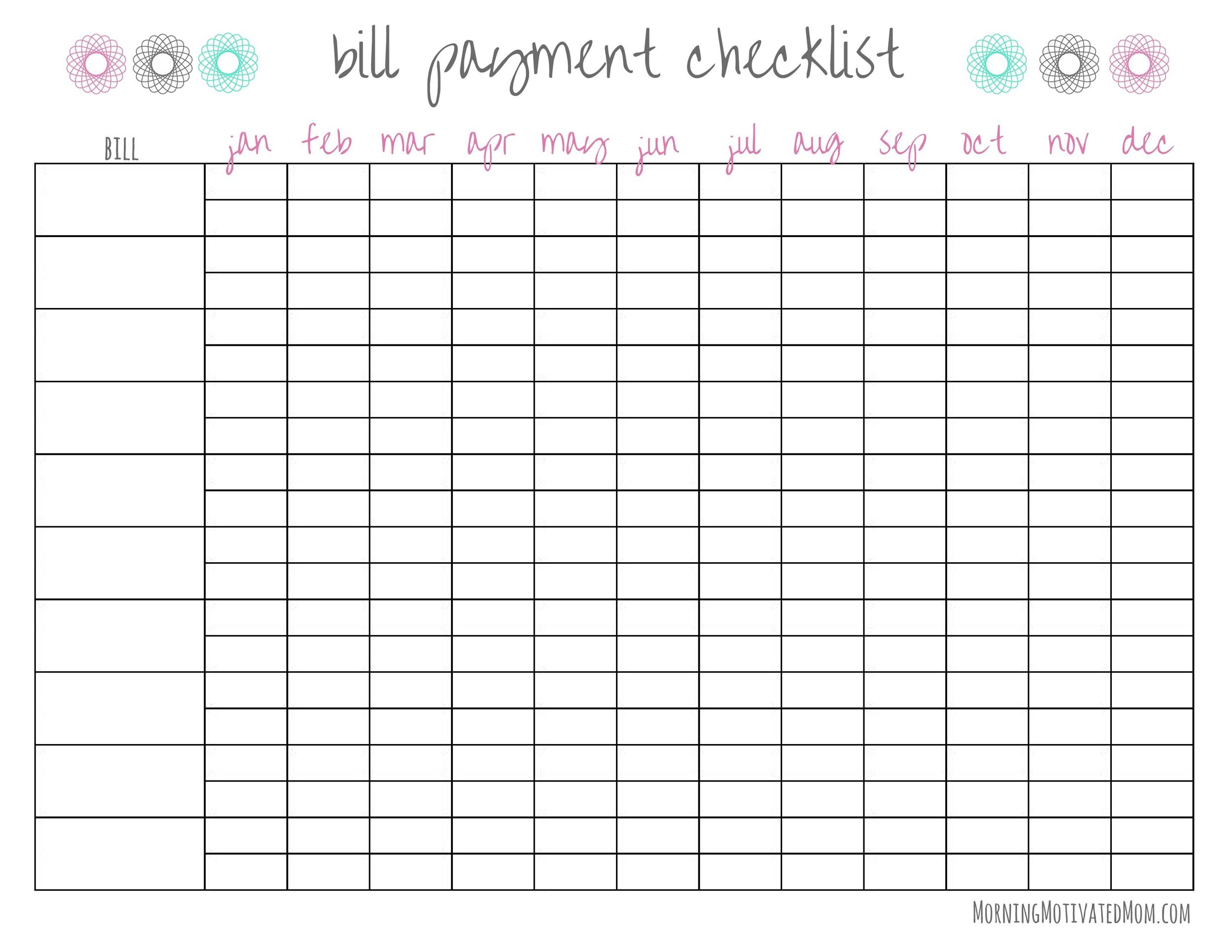
Budgets don’t have to be boring! Find a customizable design template for your budget and bring some eye—splashing aesthetics to your next budget—based project. From household and personal budgets to banking for business, there’s a budget template for you.

BI-WEEKLY PAYCHECK BUDGET | HOW TO PAY BILLS USING THE SPLIT BILL METHOD
0
