Want to Pay Your Zulily Credit Card Bill Without Hassle? Here’s How!
We’ve all been there – you get that Zulily package full of cute clothes and awesome deals, but then comes the bill. Ugh! As someone who shops at Zulily way too often (my husband would definitely agree!) I’ve gotten pretty familiar with all the ways to pay your Zulily credit card bill. Let me share what I’ve learned so you can save time and avoid those pesky late fees!
Zulily partnered with Synchrony Bank for their credit cards, which means you have several options for paying your bill. I’m gonna break down all the methods, especially the super convenient “Pay as Guest” feature that doesn’t even require logging in!
What is the Zulily Credit Card?
Before diving into payment methods, let’s quickly cover what the Zulily credit card actually is Zulily offers a store credit card through Synchrony Bank that gives shoppers special perks and financing options when shopping on Zulilycom.
The card works like most retail credit cards – you make purchases, get a statement, and need to pay at least the minimum payment by the due date. But unlike going to a physical store, all your payments need to be made electronically or by mail.
Pay as Guest: The Quickest Way to Pay Your Zulily Bill
The easiest method for paying your Zulily credit card bill is using Synchrony’s “Pay as Guest” feature. This is perfect for when you’re in a hurry or just don’t wanna deal with remembering another password!
How Pay as Guest Works:
- Access your account’s sign-in page – Visit the Zulily credit card portal at https://zulily.syf.com/accounts/login/
- Click the “Pay as Guest” button – Look for this option on the sign-in page
- Make your payment – No login required!
The process is super simple:
- Select your payment amount
- Choose your payment method (bank account)
- Review and authorize your payment
I love this option cuz it takes like 2 minutes tops! No need to hunt down your username and password or go through the whole login process.
Important Things to Know About Pay as Guest
When using the Pay as Guest feature for your Zulily bill keep these things in mind
- Same-day processing: Payments received before 11:59 PM Eastern Time will be credited that same day
- Late payments: If you pay after 11:59 PM ET on your due date, it might result in a late fee
- Editing payments: You can modify or cancel payments with “Scheduled” status until 5:00 PM ET on the day scheduled
- One payment limit: You can only make one same-day payment per account using Pay as Guest
- No future payments: Cannot schedule payments for future dates with this method
- Email confirmation: You’ll get a confirmation email at the address on file
One time I totally forgot my bill was due that day until like 10 PM, and Pay as Guest saved me from a late fee! It posted immediately and I avoided any penalties. Such a relief!
Other Ways to Pay Your Zulily Credit Card Bill
While Pay as Guest is super convenient, Synchrony offers several other methods to pay your Zulily credit card bill:
1. Online Account Management
For more control over your account, register and sign in at Synchrony.com:
- Make up to 12 payments
- Schedule future payments
- Set up recurring payments
- View payment history
- Add/modify bank accounts
2. Synchrony Mobile App
Download the MySynchrony mobile app to manage your Zulily credit card:
- Make payments on the go
- View statements and transactions
- Receive payment reminders
- Set up notifications
3. Automated Phone System
Call the number on the back of your card to make payments through the automated system:
- Available 24/7
- No internet required
- Just need your account number and bank info
- May have a processing fee
4. Mail a Check
If your grandparents insist this is still the best way to pay bills (lol), you can mail a payment:
- Send to the address on your statement
- Include your account number
- Allow 5-7 days for processing
- Not recommended for last-minute payments!
Setting Up Autopay for Your Zulily Credit Card
If you’re like me and sometimes forget due dates, autopay is a lifesaver! Here’s how to set it up:
- Sign in to your account at Synchrony.com (can’t use Pay as Guest for this)
- Go to the Payments section
- Select “Manage Autopay”
- Choose payment amount (minimum, statement balance, or custom amount)
- Select payment date
- Enter bank account information
- Confirm and activate
I’ve had autopay set to pay my minimum balance for over a year now, and it’s been so nice not having to worry about late fees. I can always make additional payments when I want to pay down the balance faster.
Frequently Asked Questions About Zulily Bill Pay
Is Pay as Guest secure?
Yes! Synchrony uses industry-standard encryption technology and device recognition to protect your personal information when making payments.
Will my payment post the same day?
Payments made before 11:59 PM Eastern Time will be credited that same day. Anything after will be credited the next day.
Can I make multiple payments in one day?
Through Pay as Guest, you can only make one same-day payment per account. However, if you log in to your account, you can make up to 12 payments.
What if I need to change my payment?
Payments with “Scheduled” status can be modified until 5:00 PM ET on the payment day. Payments after 5:00 PM can be changed until 11:59 PM ET that day. Payments with “Pending” or “Processed” status cannot be changed.
Do I get confirmation of my payment?
Yep! You’ll receive an email confirmation at the address you provided on your account.
What information do I need to pay as guest?
You’ll need:
- Your account number
- Zip code associated with the account
- Bank account and routing number for payment
Tips for Managing Your Zulily Credit Card Payments
After years of using my Zulily card (maybe too much, lol), here are some tips I’ve learned:
- Set calendar reminders – Even with autopay, I like having a reminder a few days before
- Pay more than the minimum – Interest adds up fast on these store cards!
- Check your statement carefully – Make sure all charges are legit
- Keep your contact info updated – So you get payment reminders and notifications
- Save confirmation numbers – Take screenshots or write down confirmation #s for payments
- Allow processing time – Don’t wait till the last minute if possible
What to Do If You Miss a Zulily Payment
We’re all human, and sometimes payments slip through the cracks. If you miss a payment:
- Make the payment ASAP – Even if it’s late, pay immediately to minimize damage
- Check for late fees – These will usually appear on your next statement
- Call customer service – Sometimes they’ll waive the fee if it’s your first time and you have good payment history
- Monitor your credit score – Late payments can impact your credit, but typically only if they’re 30+ days late
Managing Your Zulily Credit Card Online
Synchrony makes it pretty easy to manage your Zulily credit card online. Beyond just making payments, you can:
- View statements – See current and past statements electronically
- Monitor transactions – Keep track of your purchases
- Update personal info – Change email, phone, address
- Set up paperless billing – Save trees and reduce clutter
- Check available credit – See how much you can still spend
- View payment history – Track when and how much you’ve paid
Final Thoughts on Zulily Bill Pay
Managing your Zulily credit card bill doesn’t have to be complicated! With options like Pay as Guest, online account access, mobile app, and autopay, there’s a method that works for everyone’s preferences.
I personally love the flexibility of being able to make quick payments without logging in when I’m in a rush, but also having the option to set up more complex payment arrangements when needed.
Remember that staying on top of your payments not only helps avoid fees and interest, but also helps maintain good credit. And who doesn’t want that? Better credit means more shopping power for future Zulily deals!
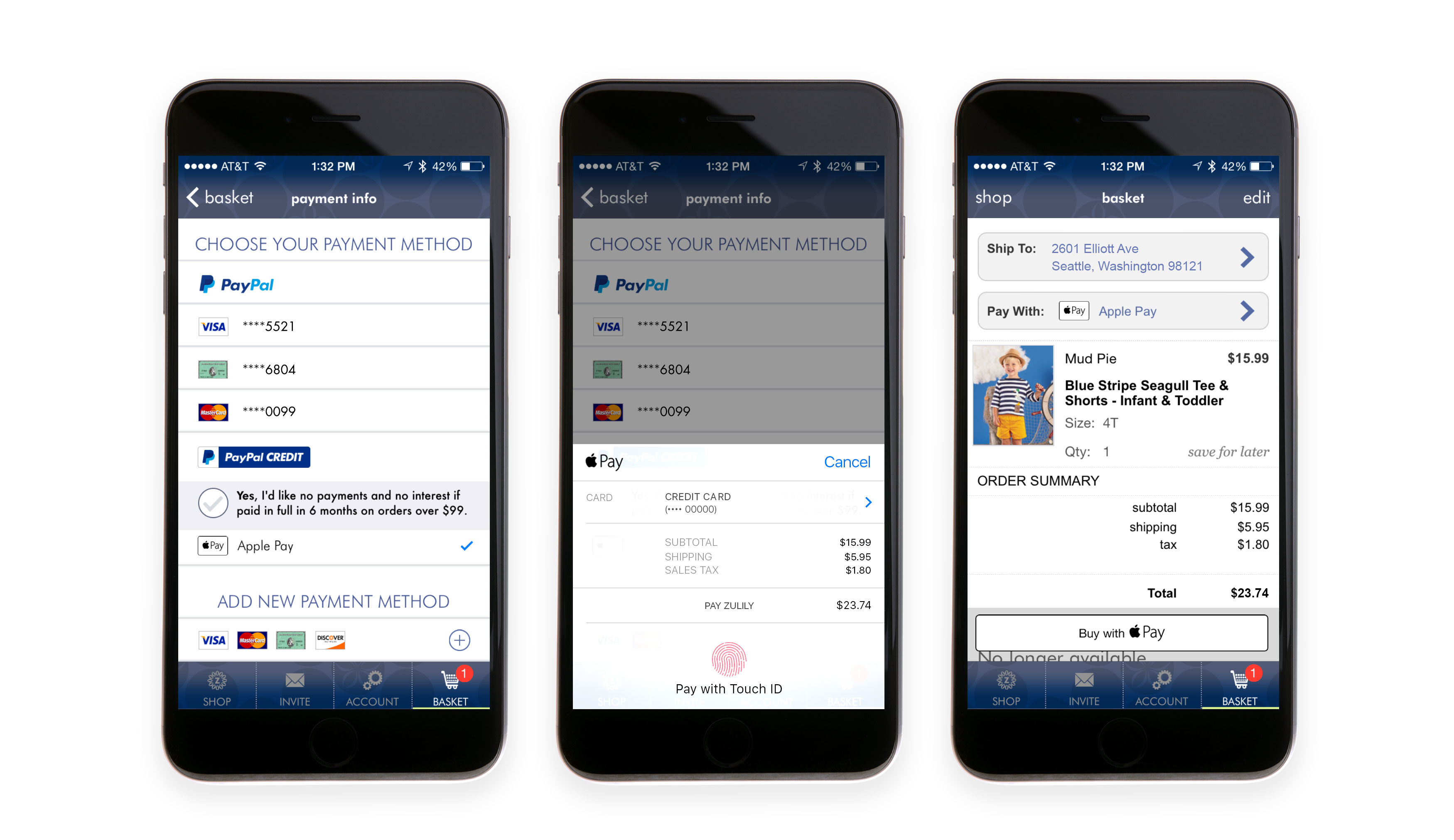
How it works 1
If youre looking for access to more features, register now.
