Have you ever been stressing about your monthly Eversource bill and wondered, “can I pay my Eversource bill with a credit card?” Well, I’ve got some good news for you – the answer is a resounding YES! Eversource absolutely accepts credit card payments, and I’m gonna walk you through all the different ways you can use your card to take care of that utility bill.
As someone who’s been an Eversource customer for years, I’ve tried pretty much all their payment methods. Let me tell you, using a credit card is definitely one of the most convenient options they offer. Whether you’re looking to rack up those sweet rewards points or just need a bit of flexibility until payday, paying by card can be a real lifesaver.
Multiple Ways to Pay Eversource Bills with Credit Cards
Eversource understands customers need flexibility which is why they’ve made it super easy to pay your bill using a credit card through several different methods
- Online through your Eversource account
- Using their Speedpay system (without logging in!)
- Through the Eversource mobile app
- By phone with their automated system
- In-person at Eversource payment centers
Let’s dive deeper into each method so you can choose what works best for you!
Paying Online Through Your Eversource Account
This is probably the easiest and most common way to pay your Eversource bill with a credit card, Here’s how
- Log into your Eversource online account at www.eversource.com
- Navigate to the “Billing & Payments” section
- Select “Make a Payment”
- Choose “Pay Now” for the specific account you’re paying
- Enter your payment amount
- Select credit/debit card as your payment method
- Enter your card details (number, expiration date, CVV code, billing zip)
- Review everything and submit your payment
The great thing about paying online is that your payment gets processed immediately and applied to your account right away. You’ll even get a confirmation email with all your payment details for your records.
Using Speedpay Without an Account
Don’t have an online account or don’t wanna login? No problemo! Eversource offers a “Guest Pay” option through their Speedpay system that lets you make a credit card payment without needing to sign in.
This is super handy if:
- You’re making a one-time payment
- You don’t wanna create an online account
- You’re paying for someone else’s bill (like helping out your elderly parents)
Just look for the “Use Guest Pay” option on the Eversource website. You’ll need your account number from your bill, but it’s a quick and easy process.
Pay by Card on the Eversource Mobile App
If you’re like me and do everything on your phone, the Eversource mobile app is gonna be your new best friend. Available for both iOS and Android, the app makes paying your bill super convenient. Here’s the process:
- Open the Eversource app and log into your account
- Tap “Make Payment” from the main menu
- Select which account you’re paying
- Enter the payment amount
- Input your credit card details
- Review and submit
The app is perfect for paying your bill from literally anywhere – waiting in line at the grocery store, sitting on your couch, or even during your lunch break. Just download the app and you’re good to go!
Paying by Phone
More of an old-school type who prefers talking to someone? Eversource has got you covered with their phone payment system. To pay by phone:
- Call Eversource at 1-800-286-2000
- Follow the automated prompts or speak with a representative
- Select “Make a Payment” when prompted
- Enter your 13-digit Eversource account number
- Follow the instructions to enter your credit card info and payment amount
Your payment will be processed immediately, just like with the online methods. This option is especially great for people who aren’t comfortable with technology or prefer the reassurance of speaking with an actual human.
In-Person Credit Card Payments
If you’re really old-school or just happen to be near an Eversource payment center, you can pay your bill in person using your credit card. Just:
- Bring your monthly bill to an Eversource payment center
- Tell the representative you want to make a payment
- Provide your account number and credit card
- Get a receipt for your records
All Eversource payment centers accept major credit cards. This method is great if you don’t have internet access or prefer face-to-face transactions.
Important Things to Know About Credit Card Payments
Before you whip out that plastic, here are some important tidbits to keep in mind:
No Extra Fees!
Unlike many other utility companies, Eversource doesn’t charge extra processing fees when you pay with a credit card. This is pretty rare and definitely a perk of being an Eversource customer! So go ahead and earn those credit card rewards points without worrying about additional charges.
Payment Processing Times
When you pay with a credit card through any of Eversource’s methods, your payment is typically processed immediately. This means your account is credited right away, which is super helpful if you’re trying to avoid a late fee or service disconnection.
Receipts and Payment History
Eversource makes it easy to keep track of your payments by:
- Emailing payment receipts automatically
- Storing payment history in your online account under “Billing & Payment History”
In your payment history, you can view:
- Date paid
- Amount
- Account number
- Confirmation number
- Payment method used
It’s a good idea to save these receipts for your records or tax purposes, especially if you need proof that you paid your bill on time.
Setting Up Automatic Credit Card Payments
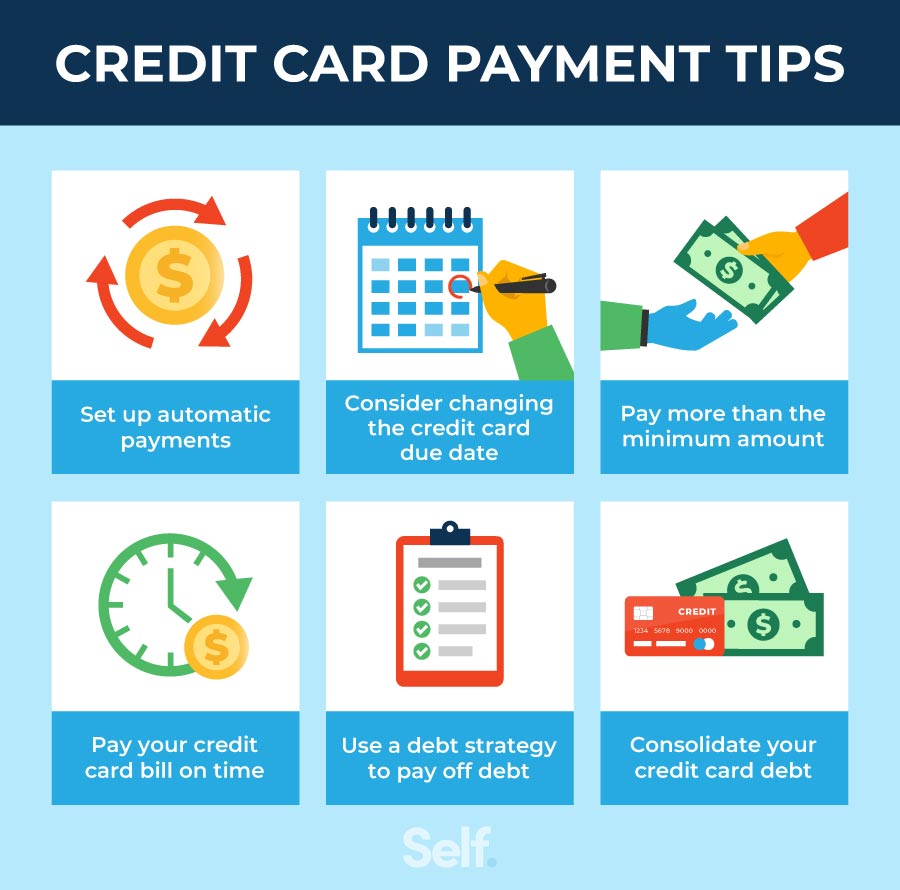
If you’re forgetful like me and constantly missing due dates, you might want to consider setting up automatic payments with your credit card. Eversource calls this “Auto Pay,” and it ensures your bill gets paid on time every month.
To set up Auto Pay with your credit card:
- Log into your Eversource account
- Go to “Billing & Payments”
- Look for “Payment Options” or “Auto Pay”
- Select credit card as your payment method
- Enter your card details
- Choose whether you want to pay your full balance or a specific amount
- Select your preferred payment date
- Save your preferences
With Auto Pay, you’ll never have to worry about late fees or forgetting to pay your bill again. Your card will be charged automatically each month, and you’ll still receive a notification before the payment is processed.
Avoiding Late Fees
Eversource bills are due by the date printed on your statement, and paying late can result in annoying late fees. To avoid these unnecessary charges:
- Pay your bill in full by the due date
- Set up Auto Pay to ensure timely payments
- Pay as soon as you receive your bill rather than waiting until the last minute
If you’re having trouble making your payment on time, don’t just ignore it! Call Eversource before the due date to discuss setting up a payment plan. They’re usually pretty understanding and can help you avoid disconnection or penalties.
What If I Can’t Pay My Eversource Bill?
Look, we all go through tough times, and Eversource gets that. If you’re struggling to pay your bill, they offer several assistance programs:
Payment Plans
You can set up monthly installments to pay your balance over time, making it more manageable for your budget.
Matching Payment Program
Eversource will match dollar-for-dollar what you can pay monthly. This essentially doubles your payment power!
Discount Rates
If you qualify as a low-income customer, you might be eligible for reduced monthly bills.
To find out if you’re eligible for any of these programs, just call Eversource or check their website for more information. Don’t wait until your service is in danger of being disconnected – reach out as soon as you realize you’re having trouble paying.
Managing Your Eversource Account
Your online Eversource account is a powerful tool for managing your payments and billing information. With it, you can:
- Check your current balance
- View your billing history
- Set up automatic payments
- Store multiple payment methods
- Sign up for paperless billing
If you haven’t already created an online account, I’d highly recommend it. It puts all your payment information in one convenient, secure location and makes managing your Eversource service much easier.
Setting Up Your Eversource Online Account
Don’t have an online account yet? Setting one up is super easy:
- Go to www.eversource.com
- Click on “Register” or “Create Account”
- Provide your personal information
- Create a username and password
- Verify your information and click “Register”
Once your account is set up, you can opt for paperless eBills and set up AutoPay with your credit card. You can also download the Eversource mobile app to manage your account on the go.
Final Thoughts: Is Paying by Credit Card the Best Option?
So, is paying your Eversource bill with a credit card the best choice for you? Here’s my take:
Pros:
- Immediate payment processing
- Earn credit card rewards/points
- No additional processing fees
- Flexible payment options
- Good for emergency situations when cash is tight
Cons:
- Potential to accumulate credit card debt if not managed properly
- Requires having a credit card (obviously)
- Some people might prefer more traditional methods
In my opinion, using a credit card to pay your Eversource bill is a great option for most people. It’s convenient, secure, and doesn’t come with extra fees like many other utilities charge. Plus, those reward points can really add up over time!
Whether you choose to pay online, through the app, by phone, or in person, Eversource has made it easy to use your credit card for bill payments. And with options like Auto Pay, you can ensure you never miss a payment again.
The bottom line? Yes, you absolutely can pay your Eversource bill with a credit card, and in many cases, it’s the smartest way to do it!
If you’ve got any other questions about managing your Eversource account or need help with payment options, their customer service team is available 24/7. They’re generally pretty helpful and can walk you through any issues you might encounter.
Now go forth and pay that utility bill with confidence! And maybe treat yourself to something nice with those credit card rewards you’ll be earning.
What These Terms and Conditions Cover
These Terms and Conditions are between you and Eversource (referred to as Eversource, “we” or “our” or “us”) and govern your use of the web properties and mobile apps (collectively, this “website”, or “online services”) of Eversource Energy and its affiliates.
These services enable Eversource customers (residential and business customers who are account owners) to perform a number of functions through the use of a personal computer or, for some functions, a mobile device (e.g. tablet or smartphone), on accounts linked to the service.
When used in this agreement, the term “business” includes sole proprietors, non-residential business entities, and individual owners of the business, unless the context indicates otherwise. All information accessed for your use from our website is subject to these Terms and Conditions, and in accordance with our Privacy Policy.
Accepting These Terms and Conditions
Use of our websites is subject to and signifies your consent to these Terms and Conditions and our Privacy Statement. When you use any of our online services, or authorize others to use them, any such use by others is subject to these Terms and Conditions. In addition to these Terms and Conditions, your account is subject to the terms under the applicable tariff and Billing Rights.
Can I Pay Bills with a Credit Card?
FAQ
Can you use a credit card for Eversource?
Use Guest Pay
No need to sign into an Eversource account when you use our Speedpay credit card payment system.
Can I pay electric bill using credit card?
Yes, you can!
Is it good to pay utility bills with a credit card?
Your credit card isn’t an ideal choice for paying a utility bill if the rewards you’d earn from the payment don’t outweigh any fees and interest you’d accrue …Mar 19, 2025
Is there a fee to pay Eversource with credit card reddit?
Due to a previous lawsuit there is no fee for paying your bill with a credit card and Eversource is required to cover the processing fee. So not only do you get 1-3% cash back, but Eversource gets less money.
