Are you tired of stressing over your utility bills? I totally get it! As a Tullahoma resident, managing those TUA bills can sometimes feel like a hassle We’ve all been there – scrambling to make payments before the deadline or forgetting altogether (been there, done that!) Good news tho – Tullahoma Utilities Authority offers several convenient ways to pay your bills that can make your life so much easier.
What is TUA and What Services Do They Provide?
Before diving into payment methods let’s quickly review what TUA actually is. Tullahoma Utilities Authority provides essential services to our community including
- Electric services
- Water services
- Wastewater services
- Internet through LightTube
- Television through LightTube
- Telephone services through LightTube
These services are vital to our daily lives, and keeping them running means staying current with your payments.
Online TUA Bill Pay Options
The easiest and most convenient way to pay your TUA bill is online. TUA has made this process super simple through their website.
How to Pay Online
- Visit the TUA website at https://www.tub.net/pay-your-bill/
- Look for the “Pay Now” buttons – there’s one for Utilities and one for LightTube
- Click the appropriate button depending on which service you’re paying for
- You’ll be redirected to https://new.nexbillpay.net/tullahoma/BillPay/SignIn
- Sign in with your account information
- Follow the prompts to complete your payment
Important Notes About Online Payments
When paying your TUA bill online keep these crucial details in mind
- Payment Deadline: Your payment must be completed by 11:00 PM to receive same-day credit
- Disconnection Notice: If your account was disconnected due to non-payment, simply making an online payment won’t automatically restore your service. You MUST contact customer services directly.
Other Ways to Pay Your TUA Bill
Not everyone prefers paying bills online, and TUA understands this. They offer several alternatives to accommodate different preferences.
In-Person Payments
You can visit the TUA office in person to make your payment:
Location: 901 S. Jackson St., Tullahoma, TN 37388
Office Hours: Monday – Friday, 7:30 a.m. – 4:30 p.m.
Paying in person gives you the opportunity to discuss any questions or concerns about your bill with customer service representatives.
Phone Payments
If you prefer to pay by phone, you can call TUA’s customer service at:
Phone Number: (931) 455-4515
Their representatives will guide you through the payment process.
Setting Up Automatic Payments
If your like me and always forgetting to pay bills on time (oops!), setting up automatic payments might be the perfect solution. This ensures your TUA bills are paid automatically each month, eliminating the risk of late payments.
To set up automatic payments:
- Contact TUA customer service
- Request enrollment in automatic bill pay
- Provide your banking information
- Specify which services you want to include in auto-pay
Understanding Your TUA Bill
Sometimes the hardest part isn’t paying the bill but understanding what your actually paying for! A typical TUA bill includes:
- Account information
- Service period
- Breakdown of charges for each utility service
- Previous balance
- Current charges
- Total amount due
- Payment due date
If you ever have questions about any charges on your bill, don’t hesitate to contact TUA customer service for clarification.
Tips for Managing Your TUA Bill
Here are some practical tips to help you manage your TUA bills more effectively:
1. Mark Payment Due Dates on Your Calendar
Set reminders a few days before your bill is due to avoid late payments.
2. Monitor Your Usage
Keep track of your utility usage to avoid unexpected high bills. TUA often provides tools to help you monitor your consumption.
3. Consider Budget Billing
Ask TUA about budget billing options that can help even out seasonal fluctuations in your utility costs.
4. Report Issues Promptly
If you notice unusual spikes in your bill, contact TUA immediately to investigate possible leaks or other issues.
What to Do If You’re Having Trouble Paying Your Bill
We all face financial challenges at times. If your struggling to pay your TUA bill, here are some options:
Payment Arrangements
TUA may be willing to work with you on a payment plan if you contact them before your bill becomes delinquent.
Assistance Programs
There may be local or state assistance programs available to help with utility bills. Ask TUA customer service for information about these programs.
Conservation Measures
Reducing your utility consumption can help lower your bills. TUA might offer energy audits or conservation tips.
Common Questions About TUA Bill Pay
Q: Can I pay multiple months in advance?
A: Yes, TUA allows you to make payments in advance, which can be credited to your account.
Q: What payment methods does TUA accept?
A: TUA typically accepts cash, checks, credit cards, debit cards, and electronic funds transfers.
Q: Is there a fee for paying online?
A: Some payment methods may include a small processing fee. Check with TUA for specific details.
Q: What happens if I miss a payment?
A: Missing a payment can lead to late fees and potentially service disconnection. If you know you’ll miss a payment, contact TUA in advance.
Q: Can I view my billing history online?
A: Yes, TUA’s online portal allows you to view your billing and payment history.
The Benefits of Going Paperless
TUA probably offers a paperless billing option, which has several advantages:
- Environmental Impact: Reduces paper waste
- Convenience: Access bills anytime, anywhere
- Organization: No more lost paper bills
- Speed: Receive bills faster than through mail
To enroll in paperless billing, contact TUA customer service or check for this option in your online account settings.
LightTube Bill Payment
If you’re a LightTube subscriber for internet, TV, or phone services, your payment process is slightly different:
- Go to the TUA website
- Click the “Pay LightTube” button
- Sign in to your account
- Complete your payment
Remember, LightTube and utilities may be billed separately, so make sure you’re making payments for all your TUA services.
Technical Support for Online Bill Pay
If your experiencing technical difficulties with online payments, TUA offers technical support:
- Technical Service: Available 24/7
- Phone: (931) 455-4515
Don’t hesitate to reach out if you encounter any issues with the online payment system.
Staying Connected with TUA
To stay updated on any changes to billing procedures or payment options, consider:
- Checking the TUA website regularly
- Following TUA on social media (if available)
- Reading any notices included with your bills
- Signing up for email notifications
Final Thoughts on TUA Bill Pay
Managing your TUA bills doesn’t have to be complicated or stressful. By taking advantage of the various payment options available and staying informed about your account, you can ensure your utilities remain connected without the hassle.
The online payment system at https://www.tub.net/pay-your-bill/ is particularly convenient, allowing you to take care of your bills anytime, anywhere. Just remember the 11:00 PM deadline for same-day credit!
Whether you prefer the convenience of online payments, the security of automatic drafts, or the personal touch of paying in person, TUA has options to accommodate your needs. The most important thing is staying current with your payments to avoid service interruptions.
Now go ahead and take control of your utility bills – your future self will thank you for it!

Select TuaPay at checkout
Follow the link you receive via SMS or email, select to split your payments over time

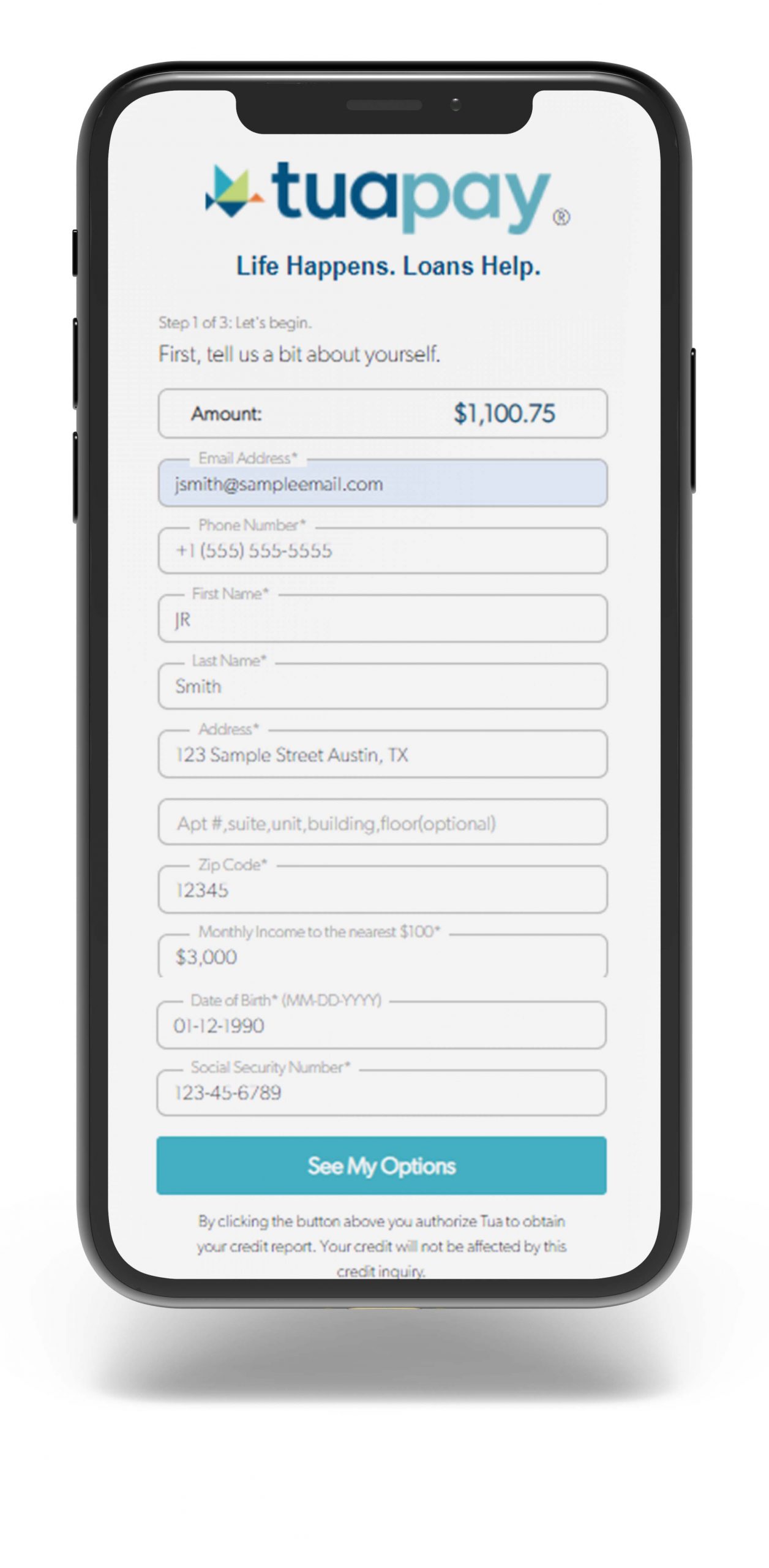
Easy to use
Get approved and pay in a manner of minutes
