Last Updated: October 2025
Have you ever found yourself juggling multiple bills trying to remember different due dates and logging into various portals just to pay your utilities? I’ve been there too, and it’s a real headache! That’s why I’m super excited to share with you everything about Bharat Bill Pay – a service that has literally changed the way I manage my monthly payments.
What is Bharat Bill Pay?
Bharat Bill Pay (also known as BBPS) is India’s unified bill payment system that lets you pay practically all your bills in one place. Launched by the National Payments Corporation of India (NPCI), this platform has revolutionized how millions of Indians handle their recurring payments.
I remember the days when I had to stand in long queues at different offices or remember multiple passwords for different websites. Those days are gone now thanks to this amazing service!
Why Bharat Bill Pay is a Game-Changer
Here’s why I think Bharat Bill Pay deserves all the attention:
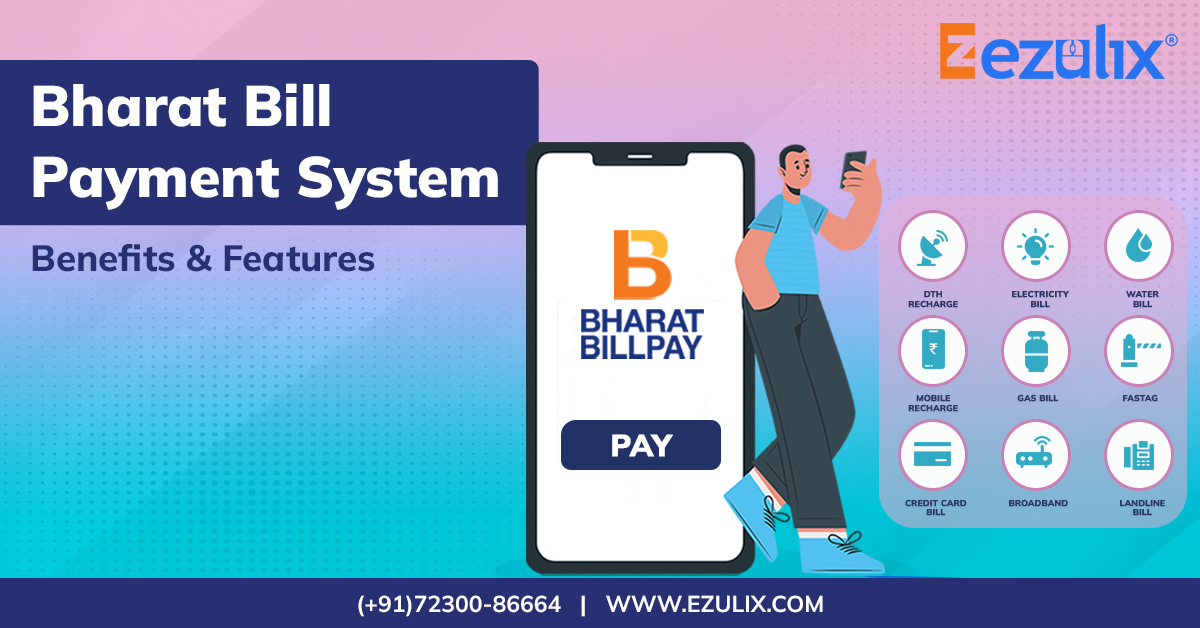
- Single platform for multiple bills – electricity, water, gas, telephone, DTH, and more
- Available 24/7 – pay anytime, anywhere
- Instant confirmation – get immediate receipt of payment
- Multiple payment options – use UPI, netbanking, debit/credit cards, etc.
- Secure transactions – built with robust security measures
I’ve personally been using this service for over a year now, and the convenience is just unbeatable!
How to Use Bharat Bill Pay
Using Bharat Bill Pay is super easy, even if you’re not tech-savvy. Here’s a simple step-by-step guide:
Option 1: Through BillDesk Portal
- Visit the official BillDesk portal at payments.billdesk.com/ubp/BBPSCustomerlogin
- Choose the biller category (electricity, water, gas, etc.)
- Select your specific service provider
- Enter your consumer number/details
- Select payment method and complete transaction
- Download receipt for your records
Option 2: Through Your Bank’s App
Most banks in India now offer Bharat Bill Pay services directly in their mobile apps. Just:
- Login to your banking app
- Look for “Bill Payments” or “BBPS” section
- Follow similar steps as above
Option 3: Through UPI Apps
Apps like Google Pay, PhonePe, and others also support Bharat Bill Pay:
- Open your UPI app
- Navigate to bill payment section
- Select biller and proceed with payment
Types of Bills You Can Pay
The range of bills you can pay through Bharat Bill Pay is impressive! Here’s a quick list:
| Category | Examples |
|---|---|
| Utility Bills | Electricity, Water, Gas |
| Telecom | Mobile postpaid, Landline, Broadband |
| Entertainment | DTH, Cable TV, OTT subscriptions |
| Education | School/College fees, Exam fees |
| Insurance | Life, Health, Vehicle insurance premiums |
| Loans | EMI payments, Credit card bills |
| Municipal Services | Property tax, Water tax |
I used to forget my DTH recharge all the time, which meant missing my favorite shows right at the climax! Now with BBPS, I’ve set up reminders and can pay instantly.
Bharat Bill Pay vs Traditional Methods
Let me share a quick comparison based on my personal experience:
Traditional Methods:
- Multiple websites/apps for different billers
- Need to remember various login details
- No standardized receipt format
- Different payment cutoff times
- Uncertain processing times
- Limited customer support
Bharat Bill Pay:
- One unified platform
- Single login (via your preferred channel)
- Standardized receipts and references
- 24/7 payment facility
- Real-time processing
- Centralized complaint mechanism
How to Track Your Payments
One feature I absolutely love is the ability to track all my payments. Here’s how:
- Visit payments.billdesk.com/ubp/BBPSCustomerlogin
- Click on “Query Transaction”
- You can check your transaction status using:
- Your mobile number + date range
- Transaction Reference ID
This has saved me countless times from double-paying bills or having arguments with service providers about whether I’ve paid or not!
What to Do If You Face Issues
Sometimes things don’t go as planned. If you encounter problems with your payment:
- First, check your transaction status using the Query Transaction feature
- If you notice an issue, you can:
- Check “Complaint Status” for any existing complaints
- View your “Complaint History”
- File a new complaint if needed
I once had an issue where my electricity bill payment was deducted but not reflected with the provider. I raised a complaint through the portal, and it was resolved within 48 hours!
Bharat Connect: The Newer Addition
NPCI has also launched Bharat Connect, which works alongside Bharat Bill Pay to provide enhanced services. You can access it via www.bharat-connect.com, although sometimes you might encounter access restrictions based on your network settings.
If you see a “Request Rejected” message with a support ID, don’t worry! This usually happens due to security protocols. Simply:
- Try accessing from a different network
- Contact your bank’s customer support
- Use the “Go Back” option and try again later
Security Features of Bharat Bill Pay
I’m always concerned about security when it comes to financial transactions. Bharat Bill Pay addresses these concerns with:
- End-to-end encryption
- Two-factor authentication
- Masked card details
- Secure payment gateways
- Transaction limits
- Instant notifications
Tips and Tricks I’ve Learned
After using Bharat Bill Pay for over a year, I’ve discovered some handy tricks:
Set Calendar Reminders
I’ve set up calendar reminders 3 days before my major bills are due, so I never miss a payment.
Use the ‘Favorite Biller’ Feature
Most apps allow you to save frequent billers as favorites, saving you time during repeat payments.
Download and Store Receipts
I create a simple folder structure on my phone to store all BBPS receipts by category:
/BillReceipts/2025/October/Electricity_Oct2025.pdfCheck for Cashback Offers
Many banks and UPI apps offer cashback or reward points for bill payments through BBPS.
Common Problems and Solutions
Even the best systems have occasional hiccups. Here are some common issues and solutions:
Transaction Failed but Money Deducted
If your transaction fails but the amount is deducted:
- Wait for 24-48 hours for automatic reversal
- Check transaction status using Query Transaction
- File a complaint if not resolved
Biller Not Found
If you can’t find your biller:
- Verify the spelling and category
- Check if the biller has enrolled with BBPS
- Try searching by area/state if available
Payment Successful but Bill Shows Unpaid
This happened to me once with my broadband bill:
- First, verify the transaction through Query Transaction
- Contact the biller with your BBPS transaction reference ID
- If unresolved, raise a formal complaint
The Future of Bharat Bill Pay
The BBPS ecosystem continues to grow, with exciting developments on the horizon:
- International bill payments – paying bills for services abroad
- Subscription management – handling recurring payments automatically
- AI-powered bill prediction – estimating future bill amounts
- Enhanced reminder systems – smart alerts based on past payment patterns
My Personal Experience
I’ve been using Bharat Bill Pay since early 2024, and it’s been a life-changer. Before this, I had missed payments several times, resulting in late fees and even service disconnections (embarrasing when your WiFi cuts out during an important work call!).
Now, I handle all my bill payments in less than 15 minutes each month. The platform is user-friendly, and the standardization across different billers makes the experience smooth.
One thing I especially appreciate is the transaction history feature. Just last month, my water department claimed I hadn’t paid, but I quickly pulled up my transaction record and reference ID to prove the payment had gone through.
Absolutely, 100% YES! If you’re still managing your bills the old-fashioned way, you’re making life harder than it needs to be. Bharat Bill Pay has genuinely made my financial management simpler and more efficient.
The platform continues to improve, adding more billers and features regularly. The integration with various banking apps and UPI platforms means you can use whichever interface you’re most comfortable with.
So go ahead, give Bharat Bill Pay a try. Your future self will thank you when you’re no longer scrambling to pay bills at the last minute or searching through email inboxes for payment receipts!
Disclaimer: This article reflects my personal experience with the Bharat Bill Pay system. Features and interfaces may vary slightly depending on the access point (bank, app, or portal) you use.
Evolution of the Bharat Bill Payment SystemLaunched under the aegis of the Reserve Bank of India (RBI) and operated by the National Payments Corporation of India (NPCI), the
The Bharat Bill Payment System (BBPS) combines technology and customer-focused strategies to redefine bill payment experiences:
- Bill Presentment & Payments: BBPS provides a unified platform where bills are paid and presented digitally for review. Mindgate Solutions has been instrumental in developing robust e-payment solutions for BBPS, offering an integrated approach to digital billing and payments. These solutions ensure scalable, flexible, and secure bill management, benefiting both customers and billers.
- Multiple Payment Modes: Customers can choose their preferred payment methods, making transactions highly convenient.
- Secure and Timely Transactions: As a secure online payment system, BBPS guarantees data protection and immediate payment confirmations, reducing delays and errors.
- Enhanced Revenue Collection: BBPS accelerates business cash flow and ensures timely payment settlements.
- Improved Customer Engagement: With features like due date reminders and recurring payment scheduling, BBPS ensures greater customer satisfaction and loyalty.
Driving Innovation in Digital Billing
Mindgate Solutions has been at the forefront of BBPS integration, providing cutting-edge utility payment solutions that prioritize user experience and operational efficiency. Our offerings include:
- E-Billing and Mobility: By combining e-billing with mobile accessibility, Mindgate’s solutions enable faster transactions, transparency, and ease of use.
- Comprehensive Payment Options: Catering to diverse customer preferences, Mindgate’s platform supports multiple channels and payment modes, including UPI and BBPS interfaces.
- Regulatory Compliance and Cost Reduction: These solutions help businesses reduce regulatory risks and operational costs while ensuring accurate and secure transactions.
Introducing Bharat BillPay Inward Cross-Border Bill Payment Solution |Global Fintech Fest 2022 |NPCI
FAQ
What is meant by Bharat Bill payment system?
Page 1. What is BBPS? Bharat Bill Payment System (BBPS) is a RBI mandated system which offers integrated and interoperable bill payment services to customers across geographies with certainty, reliability and safety of transactions.
Who is the owner of Bharat bill pay?
MD & CEO – NPCI Bharat Connect Limited (NBBL)
Ms. Noopur Chaturvedi is the Managing Director & CEO of NPCI Bharat BillPay Limited (NBBL). NBBL is the wholly owned subsidiary of NPCI and a first-of-its-kind platform for processing all recurring payments in the country.
How do I pay with bill pay?
If your bank or credit union offers bill pay, log in to your online account and navigate to the “Bill Pay” tab. If you’re using a third-party service, the process for setting up payments will be similar. You’ll need to enter each payee’s name and information.
How can I pay my Bbps bill online?
- Log in to your partner bank app/website or physical outlet.
- Choose “Bill Payment”.
- Enter Biller category, name, and bill reference number.
- Review bill details, enter payment amount, and choose your preferred payment method.
- Confirm the transaction.
