Are you tired of standing in long queues just to pay your water bill? Do you often forget the due date and end up paying late fees? Well, I’ve got some good news for you! MWSC (Male’ Water and Sewerage Company) has made bill payment easier than ever before with their ePortal system.
In this comprehensive guide, I’ll walk you through everything you need to know about MWSC bill pay options. From online payments to mobile apps, we’ll cover all the convenient ways to keep your water bills current without the hassle
What is MWSC?
For those who might be new to the Maldives or unfamiliar with the utility companies MWSC stands for Male’ Water and Sewerage Company. They’re the main provider of water and sewerage services in Male’ and several other islands in the Maldives. Every month, thousands of customers receive bills for these essential services, and paying them promptly is important to avoid service interruptions.
Why Pay Your MWSC Bill On Time?
Before we dive into the payment methods, let’s talk about why timely payments matter:
- Avoid late fees – MWSC charges additional fees for late payments
- Prevent service disconnections – Your water service could be interrupted after extended non-payment
- Maintain a good payment record – Important for various applications and services
- Peace of mind – No need to worry about forgotten bills
Now, let’s explore the various ways you can pay your MWSC bill.
MWSC ePortal: Your One-Stop Solution
The MWSC ePortal (https://eportal.mwsc.com.mv/) is probably the most convenient way to handle your water bills. It’s an online platform that allows customers to view and pay their bills from anywhere at any time.
Key Features of MWSC ePortal
- 24/7 Accessibility – Pay bills at your convenience, even outside business hours
- Bill History – View your past bills and payment records
- Multiple Account Management – Manage bills for multiple properties
- Secure Payments – SSL-encrypted transactions protect your financial information
- Instant Receipts – Get electronic confirmation immediately
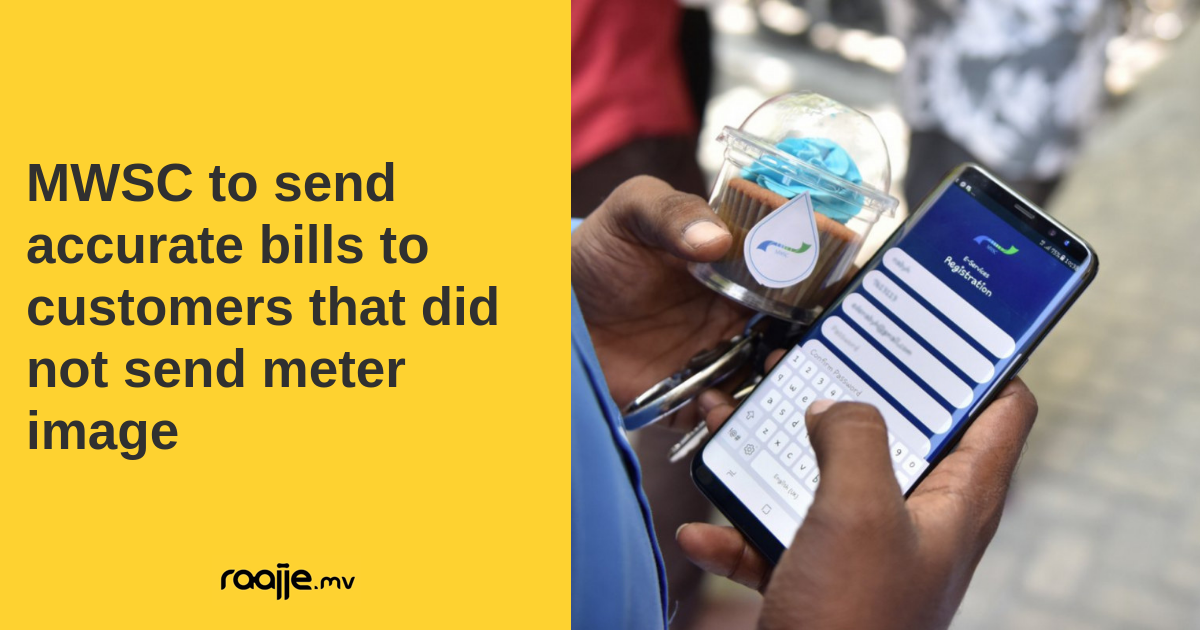
How to Register for MWSC ePortal
Getting started with the ePortal is super simple
- Visit https://eportal.mwsc.com.mv/
- Click on the “Register” button
- Enter your account number (found on your water bill)
- Fill in your personal details as required
- Create a secure password
- Verify your email or phone number
- Log in with your new credentials
Once you’ve registered, you can access your account anytime to check your balance or make payments.
Alternative MWSC Bill Payment Methods
While the ePortal is super convenient, MWSC understands that different customers have different preferences. Here are some other ways you can pay your water bills:
1. MWSC Mobile App
The MWSC mobile application is available for both Android and iOS devices. It offers similar functionality to the ePortal but in a mobile-friendly format. You can download it from your device’s app store.
2. Bank Transfers
Most major banks in the Maldives allow you to pay your MWSC bills directly through their online banking platforms or mobile apps. This is particularly useful if you already use online banking for other transactions.
3. Payment Kiosks
MWSC has set up self-service payment kiosks at various locations. These machines accept cash and card payments and provide receipts instantly.
4. In-Person at MWSC Office
If you prefer the traditional approach, you can always visit the MWSC office in person to pay your bill. They accept cash, debit cards, and credit cards.
5. Authorized Collection Centers
Several businesses around Male’ and other islands serve as authorized collection centers where you can pay your MWSC bills.
Tips for Hassle-Free MWSC Bill Payments
We’ve all had those moments where bill payments become a headache. Here are some tips to make the process smoother:
Set Up Reminders
One of the biggest reasons people miss payments is simply forgetting. Set up calendar reminders on your phone a few days before the due date.
Consider Auto-Pay Options
Some banks offer automatic payment services where your MWSC bill is paid automatically from your account each month. This ensures you never miss a payment.
Keep Your Account Information Updated
Make sure your contact information is current in the MWSC system so you receive bill notifications and important updates.
Check Your Bill for Accuracy
Before paying, quickly review your bill to ensure the consumption data and charges seem reasonable. If you notice any unusual spikes, it might indicate a leak or meter issue that should be addressed.
Save Your Receipts
Whether digital or physical, save your payment receipts until the payment reflects in your next bill statement.
Common Problems and Solutions
Even with the best systems, issues can sometimes arise. Here are solutions to common problems:
“I can’t log into my ePortal account”
- Check if you’re entering the correct username/email and password
- Use the “Forgot Password” option to reset your credentials
- Ensure your internet connection is stable
- Try clearing your browser cache or using a different browser
“My payment isn’t showing up in my account”
- Online payments typically reflect within 24-48 hours
- Save your transaction reference number
- Contact MWSC customer service if the payment doesn’t appear after 48 hours
“The ePortal website isn’t loading”
- Check your internet connection
- Try accessing the site later as it might be under maintenance
- Use an alternative payment method in the meantime
Understanding Your MWSC Bill
To make informed decisions about your water usage and bills, it helps to understand what you’re actually paying for. A typical MWSC bill includes:
- Fixed Charges – Basic fee for connection maintenance
- Consumption Charges – Based on the volume of water used
- Sewerage Charges – Typically calculated as a percentage of water charges
- Previous Balance – Any unpaid amount from previous bills
- Late Fees – Additional charges for late payments (if applicable)
Saving Water, Saving Money
While we’re on the topic of water bills, let me share some quick tips to reduce your water consumption and lower your MWSC bills:
- Fix leaking taps and pipes promptly
- Install water-saving showerheads and faucet aerators
- Use washing machines and dishwashers only when full
- Collect and reuse water where appropriate (like using washing machine water for cleaning)
- Take shorter showers instead of baths
- Turn off the tap while brushing teeth or shaving
FAQ About MWSC Bill Pay
Q: How can I check my current MWSC bill without logging in?
A: You’ll need to either log into the ePortal, use the mobile app, or call MWSC customer service to check your current bill.
Q: Is there a fee for paying online?
A: MWSC doesn’t typically charge extra fees for online payments, though your bank might have transaction fees depending on your account type.
Q: What should I do if I’ll be away for an extended period?
A: You can make advance payments to cover the period you’ll be away, or set up auto-pay if your bank offers it.
Q: Can I dispute a bill I think is incorrect?
A: Yes, contact MWSC customer service with your account details and explanation of why you believe the bill is incorrect.
Q: How long does it take for a payment to be processed?
A: Online payments usually process within 24-48 hours, while in-person payments are reflected immediately.
Stay Connected with MWSC
For the latest updates on service interruptions, maintenance schedules, or changes to the billing system, follow MWSC on their social media channels or check their website regularly.
We all want utilities that just work without having to think about them. With these convenient payment options, MWSC has made it easier than ever to keep your water flowing without interruption.
Final Thoughts
Managing your MWSC bill payments doesn’t have to be complicated or time-consuming. The ePortal system has revolutionized how customers interact with their utility provider, making it possible to handle everything from the comfort of your home or while on the go.
I personally have been using the ePortal system for the past two years, and it has saved me countless hours that would’ve been spent queuing at payment centers. The ability to check my usage patterns has also helped me become more conscious of my water consumption habits.
Remember, staying on top of your utility bills is just one aspect of good financial management. By utilizing these convenient payment methods and keeping track of your usage, you’re not just avoiding late fees—you’re also contributing to more efficient resource use.
Have you tried any of these MWSC bill payment methods? Which one works best for you? Feel free to share your experiences or ask any questions you might have about MWSC bill payments.
Until next time, keep those bills paid and your water flowing!
My Account LoginUser Name Password Remember me
Our water report – the Consumer Confidence Report (CCR), ccr.nashville.gov, explains how we go above and beyond to meet and exceed health standards.
Please call (615) 862-4600 if you would like us to send you a paper copy.
Don’t have a User Name yet?
Offers a full set of account access options and self-service options, including e-bills registration, creation of service requests, enrollment in recurring payment plans, and account profile management. You will need to create an online account for premium access.
Creating a User Name gives you access to your account details and some great tools including:
- – View Smart Meter usage data
- – View and Pay your bills online
- – Review your transaction and payment history
- – Analyze and download water and sewer usage
- – Add multiple accounts to your web profile
- – Report and View water outages
Before you get started, please have your most recent bill handy to complete the registration form.
